On This Page
- The Quick Answer
- First, Work Out Why the Domain Is Taken
- Route 1: Check Whether It's Already Listed
- Route 2: Contact the Owner Directly
- Route 3: Use a Domain Broker
- Route 4: Backorder It Before It Expires
- Route 5: Choose a Close Alternative
- Route 6: Use Trademark Rights, But Only If You Truly Have Them
- How to Agree on a Price
- Verify the Seller Actually Controls the Domain
- Costs to Budget Beyond the Price
- How to Close the Deal Safely
- Taken Domain FAQs
The Quick Answer
To buy a domain that's already registered, first check whether it's listed for sale on a marketplace. If it isn't, contact the owner yourself or hire a broker, agree on a price, and close the deal through escrow so neither side can walk off with the money or the name.
The right route depends on why the name is taken. A parked domain with a "for sale" banner is a quick deal. A live business website is usually not for sale at any price you'd want to pay. Working out which situation you're in saves weeks.
First, Work Out Why the Domain Is Taken
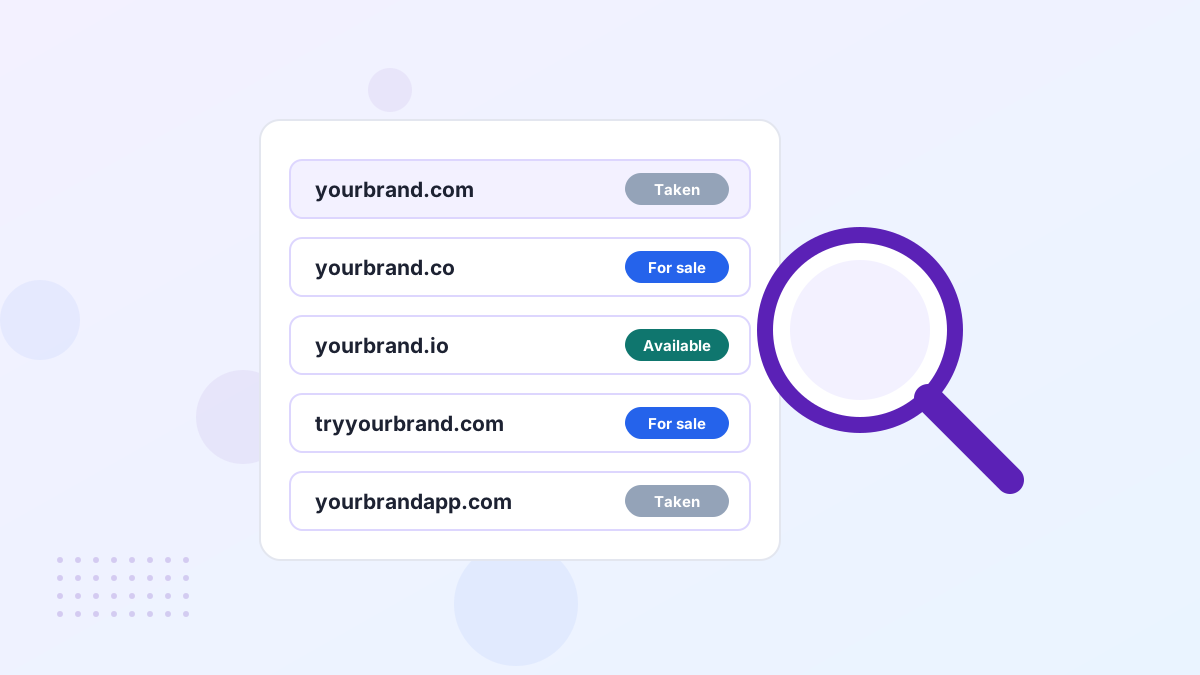
Type the domain into a browser and look at what loads. What you see tells you how likely a sale is and what it might cost.
| What loads | What it usually means | Best next step |
|---|---|---|
| "For sale" page or price | Owner wants to sell | Buy through the listed marketplace |
| Parked page with ads | Investor-owned, likely for sale | Search marketplaces, then make an offer |
| Blank page or error | Unused, owner may be open to offers | Find the owner or use a broker |
| Active business site | In use, unlikely to sell cheaply | Consider alternatives, or a broker for a serious offer |
Also check the expiry date in a WHOIS lookup. If it's coming up soon, the owner may let it lapse, which opens a cheaper backorder route. We cover that in our guide to backordering an expiring domain.
Route 1: Check Whether It's Already Listed
Start here, because a listed domain has a price, a checkout and usually some buyer protection. Search the name on Atom, Afternic and Sedo, and check whether the parked page links to a listing.
A listed name on a curated marketplace like Atom is the simplest case. You see the price, you may be able to pay monthly, and the marketplace handles the transfer. Atom's Purchase Protection also refunds you in full if the domain can't be transferred.
If your exact name isn't listed, don't stop there. Similar names often are, and a close alternative at a listed price can beat months of chasing an unresponsive owner.
Route 2: Contact the Owner Directly
If the name isn't listed, you can try contacting the owner yourself. It's the cheapest route, but it takes patience and you'll need to handle the negotiation.
- Look for contact details on the siteParked pages and old websites often include a contact form or an email address.
- Run a WHOIS lookupMany records are private now, but registrars often provide a relay form or anonymized email that forwards to the owner.
- Send a short, low-key messageAsk whether the domain is available and invite them to name a price. Don't explain your business plans or how much you love the name.
- Follow up once or twiceOwners miss emails. A polite follow-up after a week is normal; endless chasing weakens your position.
Privacy services hide many owners now, so expect some dead ends. Our guide to finding a domain owner covers the workarounds.
A Simple First Message That Works
Keep your first email short and neutral. Something like this is enough:
"Hello, is the domain yourname.com available to purchase? If so, what price would you consider? Thanks for your time."
Notice what's missing. There's no company name, no mention of funding and no hint of urgency. Every detail you share is a reason for the owner to raise the price, so save the story for after you've agreed on a number. Use a personal email address rather than your company domain for the same reason.
Route 3: Use a Domain Broker
A broker contacts the owner on your behalf, negotiates and manages the deal. You pay for that, usually as a fee, a commission or both, but you get privacy and experience.
Brokers make the most sense when the domain is worth several thousand dollars or more, when the owner is hard to reach, or when you're a known company. A recognizable buyer tends to see higher asking prices, and a broker keeps your identity out of it.
Atom offers a broker service for names that aren't listed on its marketplace. We explain how it works, and when it's worth paying for, in our Atom broker guide and our broader domain broker guide.
Route 4: Backorder It Before It Expires
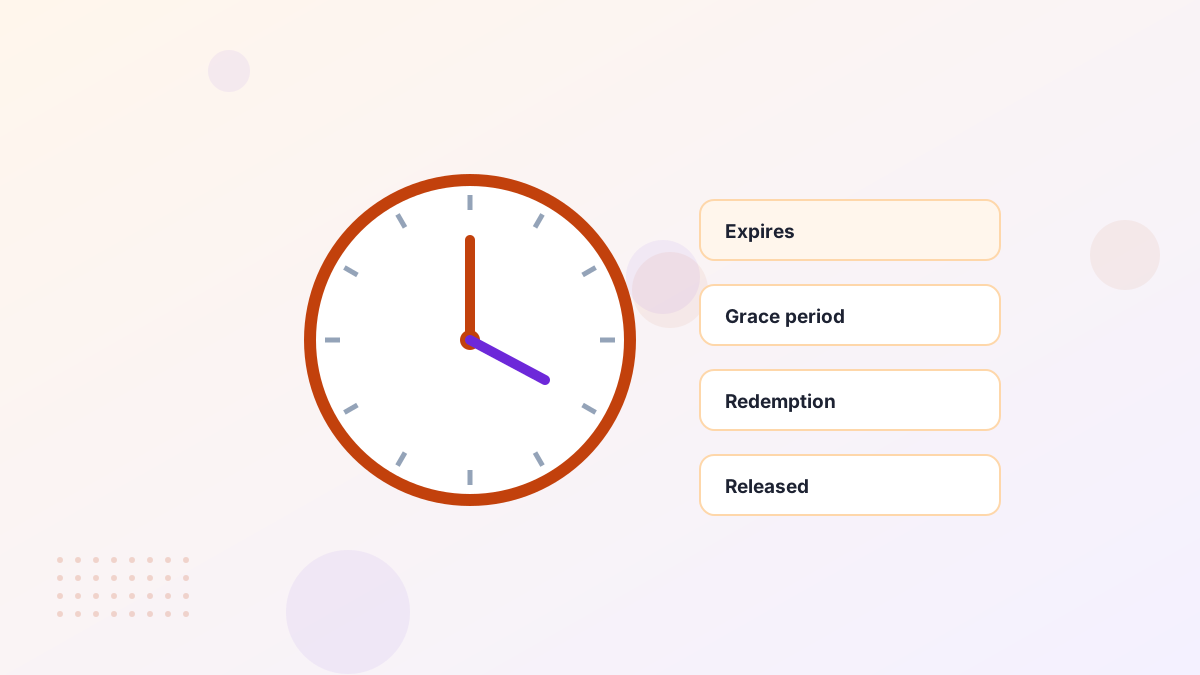
Domains that aren't renewed eventually become available again. A backorder service tries to register the name the moment it's released, so you can get it for a small fee plus any auction costs.
The catch is uncertainty. Most owners renew valuable names, and popular expiring domains often go to auction among several backorder services. Treat a backorder as a cheap side bet, not your main plan.
Route 5: Choose a Close Alternative
Sometimes the smartest buy is a different name. If the owner wants far more than the name is worth to you, a slightly different domain can get you 90% of the benefit for a fraction of the cost.
- Add a short modifier. Words like "get", "try", "hq" or "app" can work for software products.
- Choose a different strong name. A brandable .com you can buy today often beats a perfect name you can't get.
- Consider another extension carefully. It can work, but check who owns the .com first to avoid confusion and trademark trouble.
Our guide to what to do when a domain costs too much goes through these options with examples.
Route 6: Use Trademark Rights, But Only If You Truly Have Them
If someone registered a domain that matches your registered trademark in bad faith, you may be able to recover it through the UDRP dispute process. This isn't a way to buy a domain you simply want. It's a legal remedy for genuine cybersquatting.
Filing without strong rights can backfire, including a finding that you tried to hijack the domain. Talk to a trademark attorney first, and read our overview of domain disputes and UDRP.
How to Agree on a Price
Domain prices are set by what the owner will accept, not by a formula. Before you make an offer, get a realistic sense of value from comparable sales and appraisal tools, then decide your walk-away price.
- Let them name a price first when you can. It anchors the negotiation on their number, not your budget.
- Open lower than your maximum, but not so low that you insult a serious seller.
- Offer flexibility instead of cash where possible, such as a payment plan or quick close.
Our negotiation guide and valuation guide go deeper on both.
Verify the Seller Actually Controls the Domain
Before any money moves, make sure the person you're dealing with can actually transfer the name. Scammers sometimes pose as owners of valuable domains they don't control.
- Ask them to prove control. A simple test is asking the seller to change the domain's DNS or add a specific text record you choose.
- Check the registrar and status. A WHOIS lookup shows the registrar and whether the domain is locked or in a transfer-restricted state.
- Watch for pressure. Urgency, unusual payment methods and refusal to use escrow are classic warning signs.
Also check whether the domain was registered or transferred in the last 60 days. Registrars commonly apply a 60-day transfer lock after those events, which can delay your deal. Our transfer lock guide explains how it works.
Costs to Budget Beyond the Price
The agreed price isn't your only cost. Plan for a few extras so the final bill doesn't surprise you.
| Cost | When it applies | Who usually pays |
|---|---|---|
| Escrow fee | Private sales closed through an escrow service | Negotiable; often the buyer or split |
| Broker fee or commission | When a broker finds and negotiates the deal | The party who hired the broker |
| Transfer and renewal | Moving the domain to your registrar, which usually adds a year | The buyer |
| Legal review | Larger deals or names with trademark questions | The buyer |
On a marketplace purchase, most of these are already handled. That's one reason a listed name on a site like Atom can work out simpler, even when the headline price looks similar to a private deal.
How to Close the Deal Safely
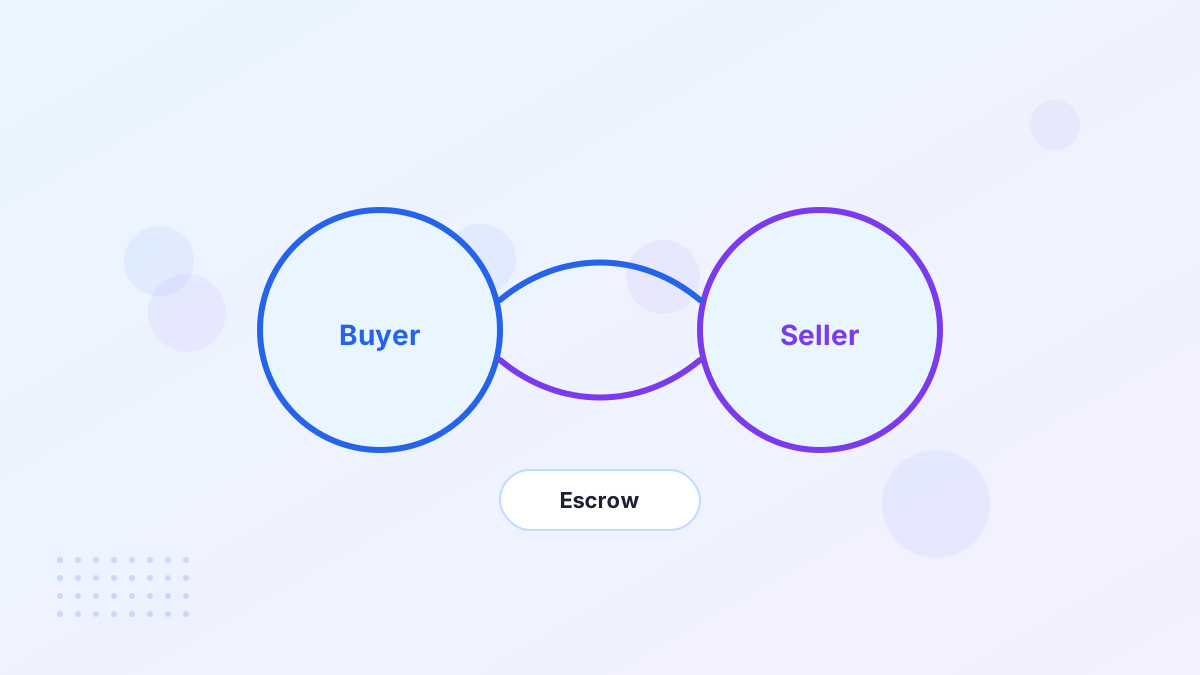
Once you agree on a price, protect yourself. Never wire money directly to someone you met by email. Use the marketplace's checkout or a recognized escrow service, which holds your payment until the domain is in your account.
- Put the terms in writingName the domain, price, who pays fees and whether anything else (like a website) is included.
- Open an escrow transactionYou pay escrow, not the seller. The seller only gets paid after the transfer completes.
- Complete the transferThe seller pushes the domain to your registrar account or gives you an authorization code.
- Confirm and release fundsCheck you control the domain, then approve release in escrow.
For more detail, read our guides to domain escrow and the domain transfer process. If something about the seller feels off, our domain scam guide lists the red flags.
Taken Domain FAQs
Can you buy a domain someone else owns?
Yes, if the owner is willing to sell. Many registered domains are listed on marketplaces, and others can be bought by contacting the owner directly or through a broker.
How much does it cost to buy a taken domain?
Anything from a few hundred dollars to six figures or more. Short, pronounceable .com names cost the most. Listed brandables on marketplaces like Atom commonly sit in the low thousands.
How long does it take to buy a registered domain?
A listed domain on a marketplace can transfer within hours or days. A private negotiation can take weeks, and an unwilling owner may never sell.
What if the owner doesn't reply?
Follow up once or twice, then consider a broker, set a backorder in case it expires, and shortlist alternatives so you're not stuck waiting.