On This Page
- Why Owner Details Are Hidden
- Step 1: Check If It's Already for Sale
- Step 2: Run a Registration Data Lookup
- Step 3: Use the Privacy Contact or Registrar Form
- Step 4: Look at the Website Itself
- Step 5: Read the Nameservers
- Step 6: Use a Broker
- How to Write the First Message
- Clues From the Domain's History
- Domains Owned by Investors vs Businesses
- If Nobody Responds
- Staying Safe
- Finding Domain Owner FAQs
Why Owner Details Are Hidden
Privacy laws such as the GDPR led registrars to redact personal contact details from public domain records by default. On top of that, many owners pay for privacy services. And in January 2025, the old WHOIS system was largely replaced for generic domains by RDAP, the Registration Data Access Protocol, which returns structured data but the same redacted fields.
So when you look up a domain today, you'll typically see the registrar, creation and expiry dates, status and nameservers, but not the owner's name or email.
Step 1: Check If It's Already for Sale
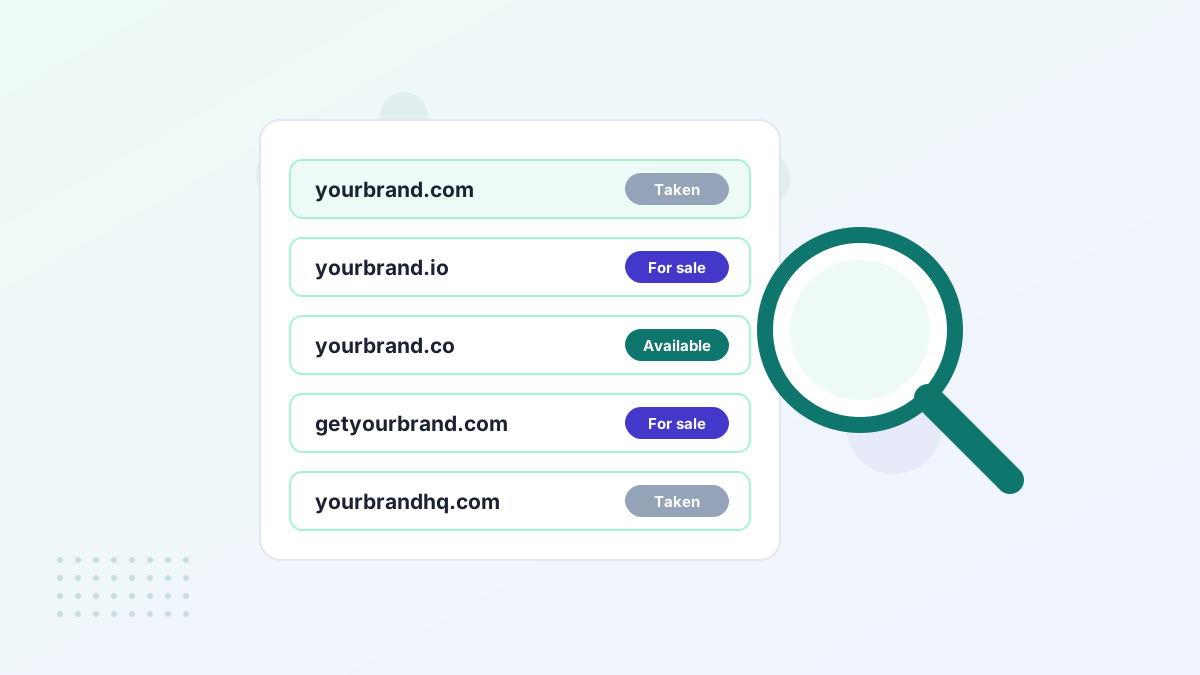
Before hunting for contact details, check the obvious places:
- Visit the domain. Many owners show a for-sale page with a price or an offer form.
- Search marketplaces such as Atom, Afternic, Sedo and Dan.com for the name.
- Check registrar listings. Some registrars show "make offer" options in their search results.
If the domain is listed, buy or make an offer through the listing. That's the safest route, with built-in payment protection.
Step 2: Run a Registration Data Lookup
Use ICANN Lookup or a registrar's lookup tool, which query RDAP for you. Note the registrar, the creation and expiry dates, and any organization or country fields that remain visible. Some business owners leave the organization name public.
| Field | Usually visible? | How it helps |
|---|---|---|
| Registrar | Yes | Tells you who can forward messages |
| Creation and expiry dates | Yes | Hints at how long it's been held and when it renews |
| Nameservers | Yes | Parking nameservers often signal an investor |
| Organization and country | Sometimes | May identify a business owner |
| Name, email, phone | Usually redacted | Use forwarding instead |
Step 3: Use the Privacy Contact or Registrar Form
Privacy services often list a forwarding email address that passes messages to the real owner. Other registrars provide a web form for contacting the registrant. Either is the intended channel for legitimate inquiries.
Don't use the abuse contact to ask about buying. It's for reporting spam and phishing, and messages there are unlikely to reach the owner.
Step 4: Look at the Website Itself
If the domain hosts a live website, the contact page, footer or social links may lead you to the owner. A business using the name is likely to say no, or to want a high price, so think carefully before approaching an active company.
Step 5: Read the Nameservers
Nameservers can hint at who's behind a domain. Parking or marketplace nameservers often mean an investor holds it and is open to offers. Nameservers pointing to a major hosting company suggest a website, active or not.
Step 6: Use a Broker
If you can't reach the owner, or you'd rather stay anonymous, a domain broker can try. Brokers have tools and contacts for tracking owners and know how to approach them without revealing who you are, which can help keep the price reasonable. See domain brokers.
How to Write the First Message
- Keep it short and polite.
- Ask if they'd consider selling rather than leading with a price.
- Don't oversell your plans. Revealing a big funded launch can raise the price.
- Use a professional email address.
- Follow up once after a week or two if you hear nothing.
Our negotiation guide covers what to do when they reply with a price.
Clues From the Domain's History
Past versions of the domain can point to its owner. The Wayback Machine may show an old business site with a company name, and older registration records sometimes appear in paid history tools. If the same company still exists, you can contact it directly through its current website.
Use these clues to find a legitimate contact channel, not to pressure the owner. A respectful approach through a business contact form or the registrar's forwarding service gets better results than unexpected calls.
Domains Owned by Investors vs Businesses
| Signal | Likely investor | Likely business |
|---|---|---|
| What the domain shows | For-sale or parked page | A real website or nothing |
| Nameservers | Parking or marketplace | Hosting provider |
| Openness to selling | Usually open at a price | Often not interested |
| Best approach | Listing or direct offer | Broker or careful outreach |
If Nobody Responds
Silence is common. Owners may not check forwarded mail, may not want to sell or may be unreachable. Options include trying again later, using a broker, placing a backorder in case it expires, or moving on to an alternative name.
Staying Safe
Be cautious if someone contacts you first claiming to own a domain you've looked up. Verify that they control it, for example by asking them to add a DNS record you specify, and always pay through escrow or a marketplace. See domain buying scams.
Finding Domain Owner FAQs
Can the owner see that you looked up their domain?
No. Lookups query the registry and registrar, and nothing is sent to the owner.
Can you get the owner's details from the registrar?
Not usually for a purchase inquiry. Registrars release personal data only in limited circumstances, such as legal requests.
Is it legal to contact a domain owner about buying?
Yes. Polite inquiries through forwarding addresses or contact forms are normal.