On This Page
- Two Kinds of Transfer
- Step by Step: Registrar Transfer
- Step by Step: Push After a Purchase
- How Long Transfers Take
- What Can Block a Transfer
- Before You Start: Quick Checklist
- Transfers for Different Extensions
- Transferring a Domain You Just Bought
- Keeping Your Site Online During a Transfer
- After the Transfer
- Domain Transfer FAQs
Two Kinds of Transfer
There are two ways a domain moves between owners or accounts, and they behave very differently.
| Push (internal transfer) | Registrar transfer | |
|---|---|---|
| When it applies | Both accounts are at the same registrar | Moving to a different registrar |
| What's needed | The receiving account details | Unlocked domain and an auth code |
| Speed | Usually near-instant | Commonly up to about five days for .com |
| Cost | Usually free | Usually the price of a year's renewal |
| Registration term | Unchanged | Usually extended by one year |
After a purchase, a push is often the fastest route. You can then move the domain to your preferred registrar later, once any lock period has passed.
Step by Step: Registrar Transfer
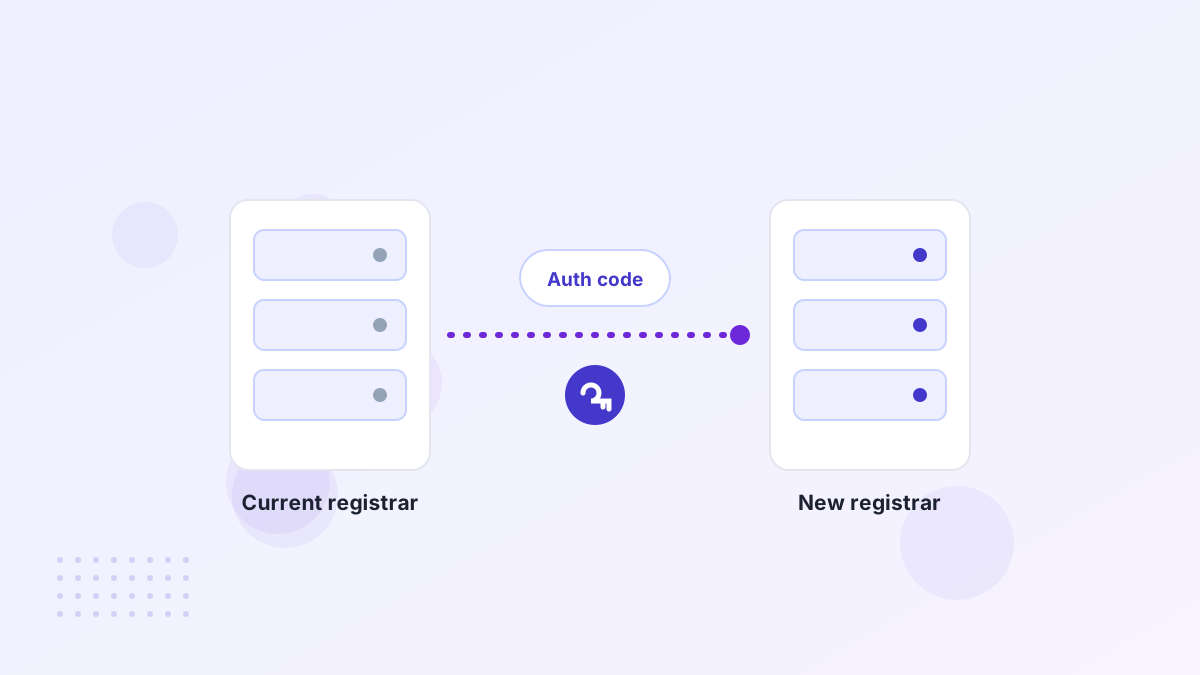
- Check eligibilityThe domain shouldn't be within a transfer lock period and should be in an active state.
- Unlock the domainTurn off the registrar lock at the current registrar.
- Get the auth codeRequest the authorization (EPP) code from the current registrar or seller.
- Start the transferAt the new registrar, enter the domain and the auth code and pay the transfer fee.
- Approve itConfirm any approval emails from either registrar.
- Wait for completionMost .com transfers complete within about five days, often sooner if approved.
- Re-lock and check DNSTurn the lock back on and confirm your website and email still work.
Step by Step: Push After a Purchase
When you buy a domain, the seller or marketplace often pushes it to an account you hold at the same registrar. You give your account identifier, the seller initiates the push, and you accept it if your registrar asks you to.
Marketplaces simplify this further. On Atom, for example, most domains are moved into your Atom account after purchase, and Atom says it initiates most transfers within one business day. See Atom domain transfers.
How Long Transfers Take
A push is usually immediate once both sides confirm. A registrar transfer for .com and most generic extensions commonly completes within about five days, and can be faster if the current registrar approves it early.
Country-code domains follow their own rules. Some transfer in real time, others need extra steps or have different code rules. Check your extension's requirements before you start.
What Can Block a Transfer
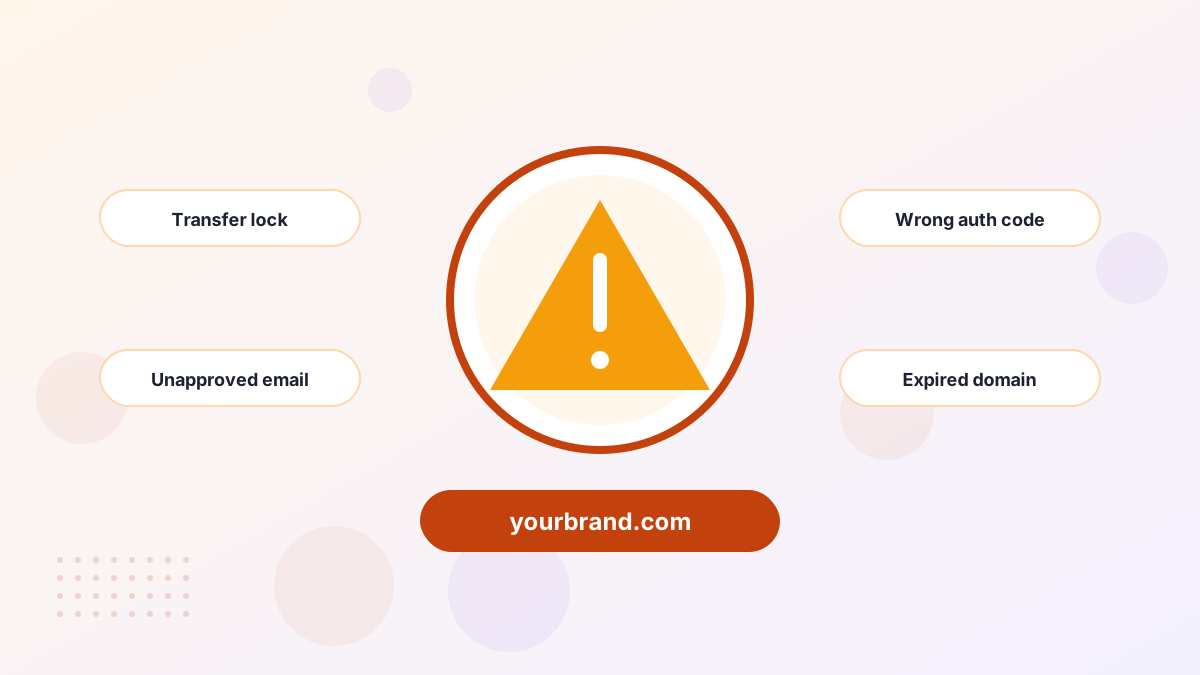
| Problem | Cause | Fix |
|---|---|---|
| Transfer refused | Domain still locked | Unlock at the current registrar and retry |
| Invalid code | Typo, expired or regenerated code | Request a fresh auth code |
| "60-day restriction" | Recently registered or transferred | Wait, or use a push within the same registrar |
| No progress | Approval email not confirmed | Check spam and approve |
| Domain expired | Registration lapsed | Renew or restore first |
Our guides to auth codes and transfer locks cover the two most common blockers in detail.
Before You Start: Quick Checklist
- Confirm the domain isn't close to expiringRenew first if it is, so the transfer doesn't fail.
- Check the contact emailApproval emails go to the registrant's address. Make sure you can receive them.
- Note your DNS recordsScreenshot or export them before anything changes.
- Check for locksRecent registrations or ownership changes may block a transfer for a period.
- Have the new registrar account readyWith contact details verified.
Transfers for Different Extensions
Generic extensions such as .com, .net and .org follow broadly similar rules: an auth code, an approval step and completion within about five days. Many newer extensions behave the same way.
Country-code extensions vary. Some use a different mechanism instead of an auth code, some transfer in real time, and some have codes that expire after a set period. If you're moving a country-code domain, check the registry's rules or ask the receiving registrar before you start.
Transferring a Domain You Just Bought
When you buy a domain, you usually have two choices: accept it into an account at the same registrar by push, or transfer it to your preferred registrar with an auth code. The push is faster and avoids lock problems. You can always move it later.
If a lock prevents an immediate registrar transfer, don't worry. Keep the domain where it is, point DNS to your site, and move it once the lock period ends.
Keeping Your Site Online During a Transfer
A transfer moves the registration, not your website. As long as DNS settings carry over, visitors shouldn't notice anything. Problems happen when nameservers or DNS records are lost in the move.
- Record your DNS settings before you start.
- Keep the same nameservers during the transfer if you can.
- Check everything after completion: website, email and any verification records.
After the Transfer
- Turn the registrar lock back on.
- Enable auto-renew and check the new expiry date.
- Update contact details so renewal notices reach you.
- Enable two-factor login on your registrar account.
See how to protect your domain for a complete security checklist.
Domain Transfer FAQs
Does a transfer cost anything?
A registrar transfer usually costs about the same as a year's renewal, and that year is added to the registration. Pushes are usually free.
Will you lose remaining registration time?
Usually not. For most generic domains, the remaining time carries over and a year is added.
Can you transfer a domain you just bought?
Often not to another registrar for 60 days, depending on registrar policy. A push within the same registrar may still work.