On This Page
Two Different Kinds of Lock
"Transfer lock" can mean two things, and it's worth separating them.
Registrar Lock
A security setting you switch on or off in your account. It blocks unauthorized transfers. Turn it off only when you're deliberately moving a domain.
Time-Based Transfer Restriction
A period after certain events, such as registration or a transfer, when moving to a new registrar isn't allowed. You can't simply switch it off.
Most frustration comes from the second kind, often called the 60-day lock.
The Current 60-Day Rules
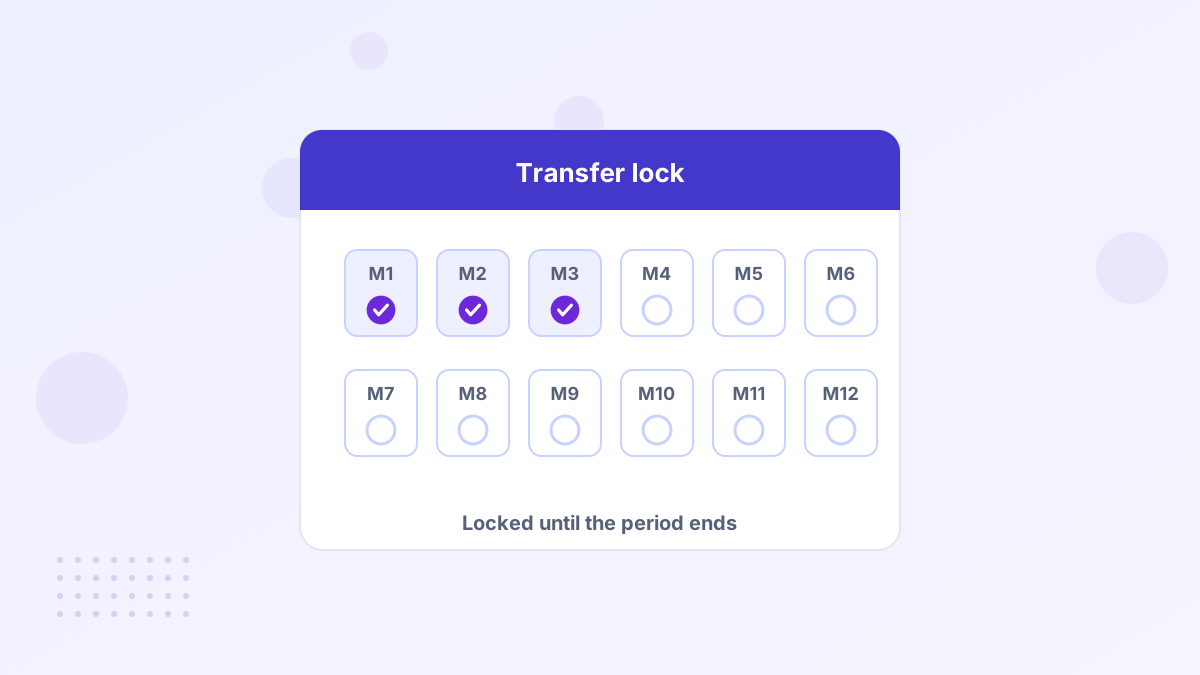
Under the ICANN Transfer Policy in effect as of late 2026, registrars may deny moving a generic domain to another registrar in a few situations:
| Trigger | Typical restriction |
|---|---|
| Initial registration | Up to 60 days, depending on the registrar or registry |
| A previous registrar transfer | Up to 60 days |
| A change of registrant | 60 days, unless the registrant opted out where allowed |
The aim is to reduce domain theft. If a hijacker changes an owner's details or moves a domain, the restriction makes it harder to hop the domain from registrar to registrar before the real owner notices.
What's Changing
ICANN has approved a significant update. A working group's 47 recommendations were approved by ICANN's policy council in March 2025, and the ICANN Board approved them in June 2026. Implementation was still pending as of late 2026.
- A standard 30-day restriction after a domain is first registered.
- A standard 30-day restriction after a transfer to a new registrar.
- Removal of the 60-day lock triggered by changes to registrant data.
Once implemented, the waiting periods will be shorter and more consistent across registrars. Until then, assume up to 60 days may apply, and check your registrar's current rules.
How Locks Affect a New Purchase
When you buy a domain that was recently registered or transferred, you may not be able to move it to a new registrar straight away. That's normal, and it doesn't stop you using the domain.
- Accept a push instead. A move between accounts at the same registrar isn't a registrar transfer, so it usually isn't blocked.
- Use the marketplace's account. Many marketplaces, including Atom, move the domain into your account with them first.
- Point DNS and launch. You can use the domain fully while you wait.
- Transfer later. Once the period ends, move it with an auth code.
Checking Whether a Lock Applies
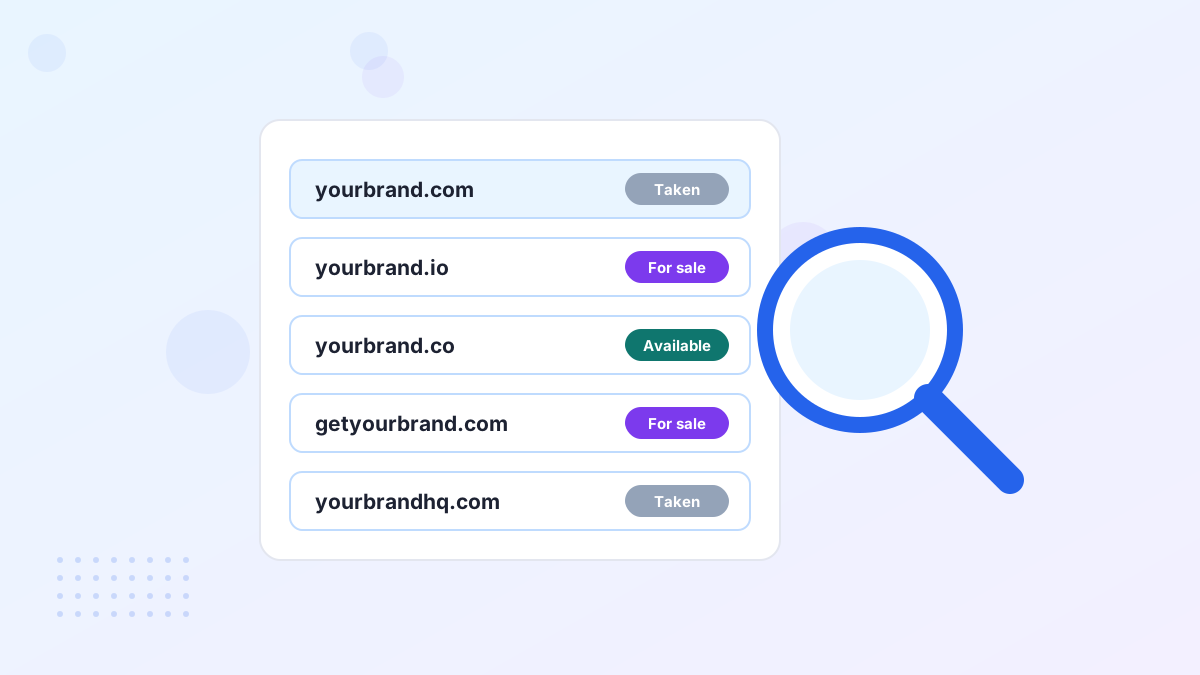
A WHOIS or registration data lookup shows a domain's creation date, last update and status codes. If the creation or transfer date is within the last couple of months, a restriction may apply. Status codes such as "clientTransferProhibited" indicate the registrar lock is on.
When in doubt, ask the current registrar or the marketplace. They can tell you the exact date a transfer becomes possible.
A Worked Example
Imagine you buy a premium .com that the seller moved to their current registrar three weeks ago. You'd like it at your usual registrar, but a restriction may apply for up to 60 days from that last transfer.
Rather than wait, you accept the domain into an account at the same registrar or marketplace, point it to your website the same day, and set a reminder to move it once the restriction ends. Your launch isn't delayed, and the eventual transfer adds a year to the registration anyway.
Locks and Change of Ownership
Under today's rules, changing the registrant's name, organization or email can trigger a 60-day restriction on moving to a new registrar. Many registrars let you opt out when you make the change, and buyers sometimes hit this when updating details right after a purchase.
If you plan to move a newly bought domain, consider whether to transfer first and update details afterwards, or ask your registrar how they apply the rule. Under the approved changes, this particular lock is due to be removed.
Registrar Policies Can Differ
ICANN policy sets what registrars may or must do, but individual registrars apply locks in slightly different ways. Some apply the full permitted period automatically; others are more flexible. Marketplaces also have their own processes for moving sold domains. When the timing matters for your launch, ask before you buy.
Locks and Security
It's tempting to see locks as red tape, but they're a useful safety net. Keep your own registrar lock switched on at all times, except during a planned transfer. Combined with two-factor login and up-to-date contact details, it's one of the simplest ways to protect a valuable domain. See protecting your domain.
Transfer Lock FAQs
Can you remove a 60-day transfer lock?
Not usually. Policy-based restrictions run their course. Some registrars let registrants opt out of the change-of-registrant lock where policy allows.
Can you still use a locked domain?
Yes. The lock only blocks moving to another registrar. Your website and email work normally.
When will the 30-day rules apply?
ICANN approved them in 2026, with implementation pending as of late 2026. Check your registrar for the current rules.