On This Page
- Day One: Confirm You're in Control
- The First-Week Checklist
- Secure the Account
- Set Up Renewals Properly
- Connect Your Website
- Set Up Professional Email
- Protect the Brand Around the Domain
- If You Bought on a Payment Plan
- If You Bought an Old Domain
- Set Up Search Console and Analytics
- Plan Your Launch Timing
- Keep Records From Day One
- Common Early Mistakes
- After Buying a Domain FAQs
Day One: Confirm You're in Control
First, make sure the domain is actually in an account you control. If you bought through a marketplace, follow its transfer steps until the domain shows in your account or at your registrar. On Atom, most domains are moved into your Atom account, and you can then keep it there or move it to another registrar once any lock period ends. See Atom domain transfers.
Check that the registrant is your business, not an individual employee or a contractor, and that the contact email is one you'll always have access to.
The First-Week Checklist
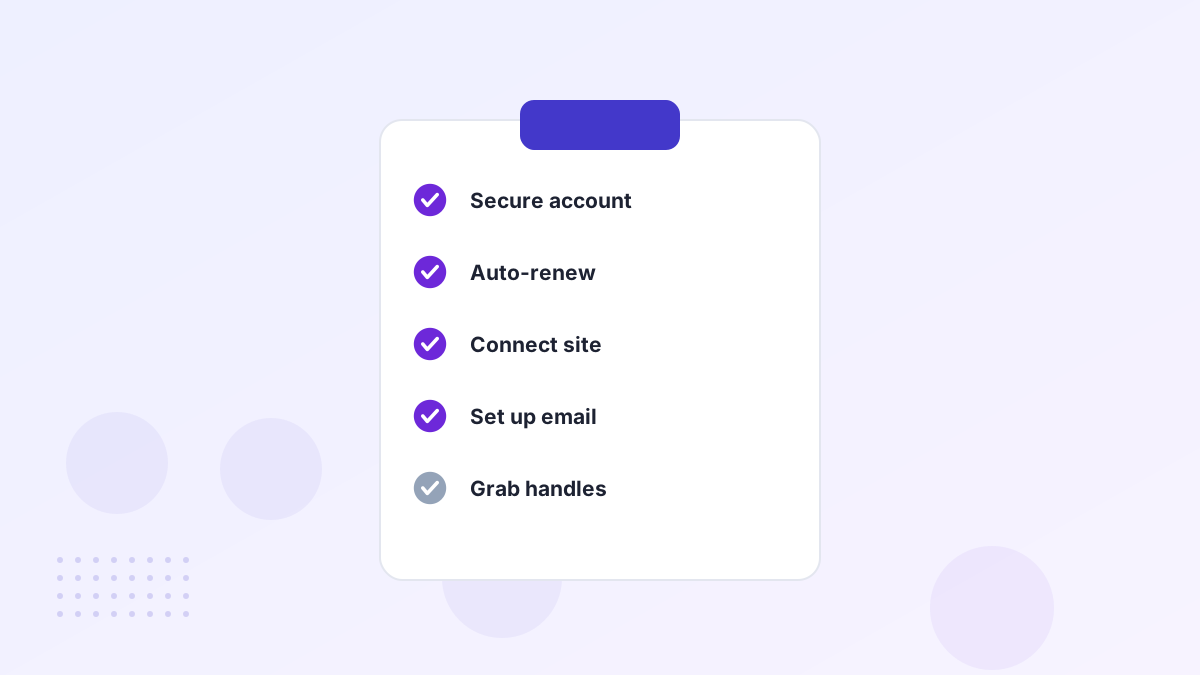
- Secure the registrar accountStrong unique password and two-factor login.
- Turn on auto-renewAnd check the payment method won't expire soon.
- Enable the registrar lockTo block unauthorized transfers.
- Update contact detailsSo renewal and security notices reach you.
- Point the domain to your siteOr a simple holding page.
- Set up emailWith SPF, DKIM and DMARC.
- Grab social handlesThat match the name.
- Consider defensive domainsKey misspellings or extensions.
- Start a trademark search or filingIf you're building a brand.
- Record everythingRegistrar, renewal date, DNS settings and who has access.
Secure the Account
Domain theft usually starts with a compromised registrar account. Use a password manager, switch on two-factor login with an authenticator app rather than SMS where possible, and limit who has access. For valuable domains, ask your registrar about additional protections such as registry lock. Our guide to protecting your domain covers the details.
Set Up Renewals Properly
Losing a domain to expiry is one of the most painful and avoidable mistakes. Turn on auto-renew, renew for several years if your registrar allows, and use a payment method that won't expire next month. Add a calendar reminder a couple of months before the renewal date as a backup. See domain renewal and expiration.
Connect Your Website
You can either point your domain's nameservers to your web host or keep DNS at your registrar and add the records your host provides. Most website builders and store platforms give step-by-step instructions and issue an SSL certificate automatically. If your site isn't ready, put up a simple holding page with your logo and a contact email. See connecting a domain to your website.
Set Up Professional Email
Email on your domain looks more professional and stays with you if you change providers. Choose an email host, add its MX records, then add SPF, DKIM and DMARC records so your messages aren't treated as spam. Send test messages to a few major providers to check everything works. See business email on your domain.
Protect the Brand Around the Domain
- Social handles: register them on the platforms you'll use. See matching social handles.
- Defensive domains: a few key variations, redirected to your site. See defensive registration.
- Trademark: search and consider filing. See trademarking your name.
If You Bought on a Payment Plan
On lease-to-own plans, the marketplace usually holds the domain until your final payment. You can typically point DNS to your website and set up email straight away. Keep up with payments, because missing them can mean losing the domain and payments already made. Once you've paid in full, accept the domain into your own account promptly. See Atom payment plans.
If You Bought an Old Domain
Domains with a previous life may still receive traffic and links meant for the old site. Check your analytics and Search Console for old URLs getting visits, and redirect any useful ones to relevant pages. If you find spammy links, consider a disavow file. If the domain was on email blocklists, request removal before sending mail. See checking domain history.
Set Up Search Console and Analytics
Verify the domain in Google Search Console as early as possible, even before launch. It shows how Google sees your site, flags problems and lets you submit a sitemap. Add analytics so you can see where visitors come from from day one.
Plan Your Launch Timing
There's no rush to announce a new name the day you buy it. Use the first week or two to secure handles, set up email, check trademarks and prepare the website. When everything is ready, announce it in one go across your site, email and social channels. A coordinated launch looks more professional than a gradual, piecemeal switch.
Keep Records From Day One
Save your purchase receipt, transfer confirmation and any agreement in one place. They're useful for tax purposes, for proving ownership if there's ever a dispute and for handing the domain over cleanly if the business is sold. See domain purchase tax.
Common Early Mistakes
Wrong Registrant
Registered to a contractor instead of the business.
No Auto-Renew
A missed renewal can lose the domain.
Email Without Authentication
Messages land in spam from day one.
Announcing Too Early
Before handles and variations are secured.
After Buying a Domain FAQs
How soon can you use a new domain?
Usually as soon as it's in your account. DNS changes can take minutes to a few hours to spread.
Do you need hosting to use a domain?
To show a website, yes. Some registrars include simple holding pages or forwarding.
Should you move the domain to another registrar?
Only if you prefer another registrar. You may need to wait out a lock period first.