On This Page
- Why Register Defensively
- Which Variations Are Worth It
- How to Find the Misspellings That Matter
- What to Skip
- Setting Up Defensive Domains
- Protect Unused Domains From Email Spoofing
- Monitoring and Enforcement
- Budgeting
- A Worked Example
- Defensive Registration for Different Businesses
- When a Lookalike Already Exists
- Defensive Domains and Email Security
- Reviewing Your Defensive Set
- Defensive Registration FAQs
Why Register Defensively
When your brand becomes known, others may register close variations: misspellings to catch typing errors, alternative extensions to look official or longer versions for phishing. A handful of carefully chosen defensive domains, redirected to your site, reduces those risks cheaply.
Which Variations Are Worth It
| Variation | Priority | Why |
|---|---|---|
| .com (if you use another extension) | Highest | Captures default typing |
| Your main country codes | High | Local trust and lookalike prevention |
| Common misspellings | High for consumer brands | Typo traffic and phishing |
| Plural or singular | Medium | Easy confusion |
| Hyphenated version | Low to medium | Occasional confusion |
| Every new extension | Low | Expensive and rarely needed |
How to Find the Misspellings That Matter
- Say your name aloud and ask people to type it. Note the mistakes.
- Look at keyboard slips, such as adjacent letters and doubled letters.
- Check your analytics and search data for misspelled brand searches.
- Ask customer support which versions customers use.
What to Skip
You can't own every variation, and trying to quickly becomes expensive. Skip obscure extensions with no relevance to your market, unlikely typos and long combinations nobody would type. For those, monitoring and a trademark give you options if someone misuses them.
Setting Up Defensive Domains
- Register the priority variationsAt the same registrar for easy management.
- Forward them with 301 redirectsTo your main site.
- Turn on auto-renewFor every defensive domain.
- Add DMARC recordsTo unused domains so they can't be used to spoof email.
- Record themIn your domain inventory.
Protect Unused Domains From Email Spoofing
Domains that don't send email can still be abused by spammers pretending to send from them. Publish an SPF record that allows no senders and a DMARC policy set to reject. It's a simple step that closes an easy loophole.
Monitoring and Enforcement
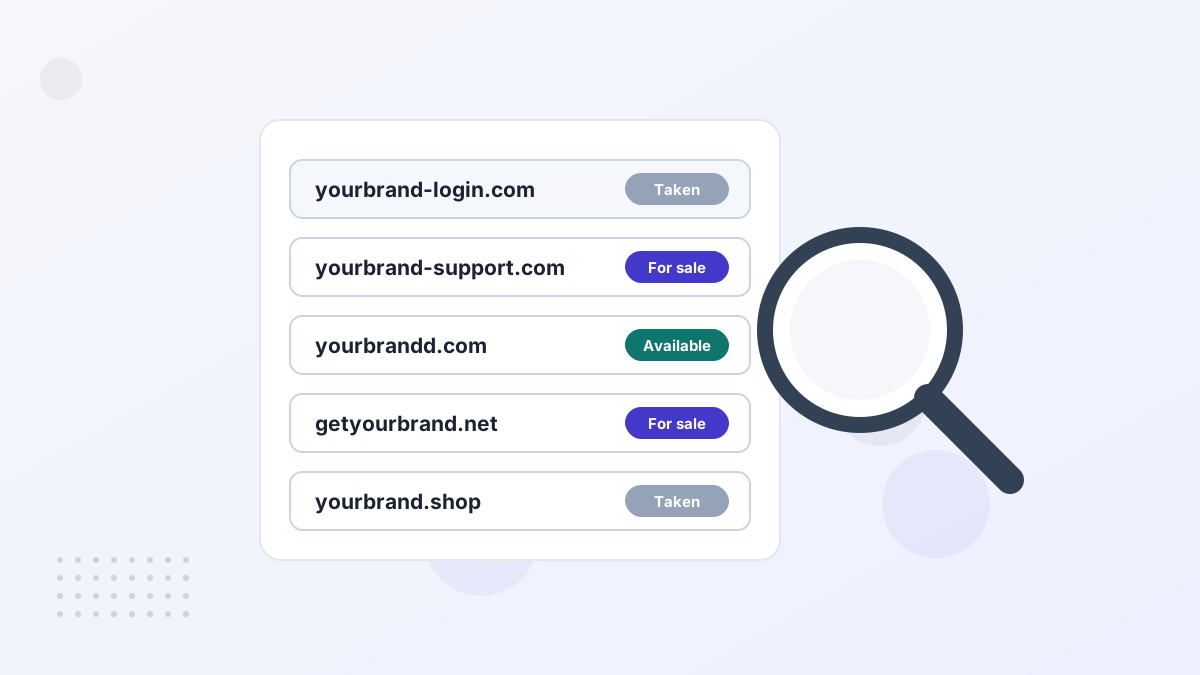
Monitoring services alert you when new domains containing your brand are registered. If one is used for phishing or counterfeits, you can report it to the registrar and host, and pursue a dispute if needed. A registered trademark strengthens those actions considerably. See domain disputes and trademarking your name.
Budgeting
For most small and medium businesses, a defensive set of five to fifteen domains is plenty, often costing less per year than a single month of advertising. Larger brands, especially in finance and ecommerce, may need more because they're more frequent targets.
A Worked Example
Imagine an online store using yourbrand.com. It registers the country code for its main market, the plural form and two common misspellings found in support emails. All five forward to the main site, have auto-renew on and carry email records that block spoofing. Total cost: well under the price of a single trade show booth, with much lower phishing risk.
Defensive Registration for Different Businesses
Local Businesses
Your country code and the .com, plus one or two common misspellings.
Online Stores
Misspellings and plurals, because counterfeit and phishing sites target shoppers.
Fintech and Payments
A broader set, plus monitoring, because phishing risk is highest.
SaaS Companies
The .com and key tech extensions like .io or .ai, depending on your main domain.
When a Lookalike Already Exists
If someone already holds a variation, check how it's used. A parked domain might be for sale at a reasonable price. A domain used for phishing or counterfeits can be reported to its registrar and host, and potentially recovered through a dispute if you have trademark rights. A legitimate business with a similar name is a different situation that may need legal advice.
Defensive Domains and Email Security
Lookalike domains are often used to send fake invoices or login requests to your customers and staff. Owning the most likely lookalikes stops that at the source for those names, and publishing strict DMARC on your main domain makes direct spoofing much harder. Together, they significantly reduce the most common brand impersonation attacks.
Reviewing Your Defensive Set
Once a year, review which defensive domains still matter. If you've expanded into new countries, add their country codes. If a variation has never received any traffic and isn't a phishing risk, you might let it go. Keeping the set focused keeps costs down and makes management easier.
Defensive Registration FAQs
How many defensive domains do you need?
Usually a handful: key extensions and the most common misspellings.
Should you register every new extension?
Rarely. Focus on extensions relevant to your market.
Do defensive domains help SEO?
Not directly. They protect your brand and catch mistyped visits.