On This Page
- What Domain Forwarding Does
- Permanent or Temporary: Which Redirect to Use
- Forwarding With or Without Masking
- The HTTPS Problem
- Path Forwarding
- How to Set It Up
- Forwarding and SEO
- Forwarding Email
- Common Mistakes
- Forwarding Subdomains and Short Links
- Testing Your Redirects
- Forwarding vs Hosting a Second Site
- Domain Forwarding FAQs
What Domain Forwarding Does
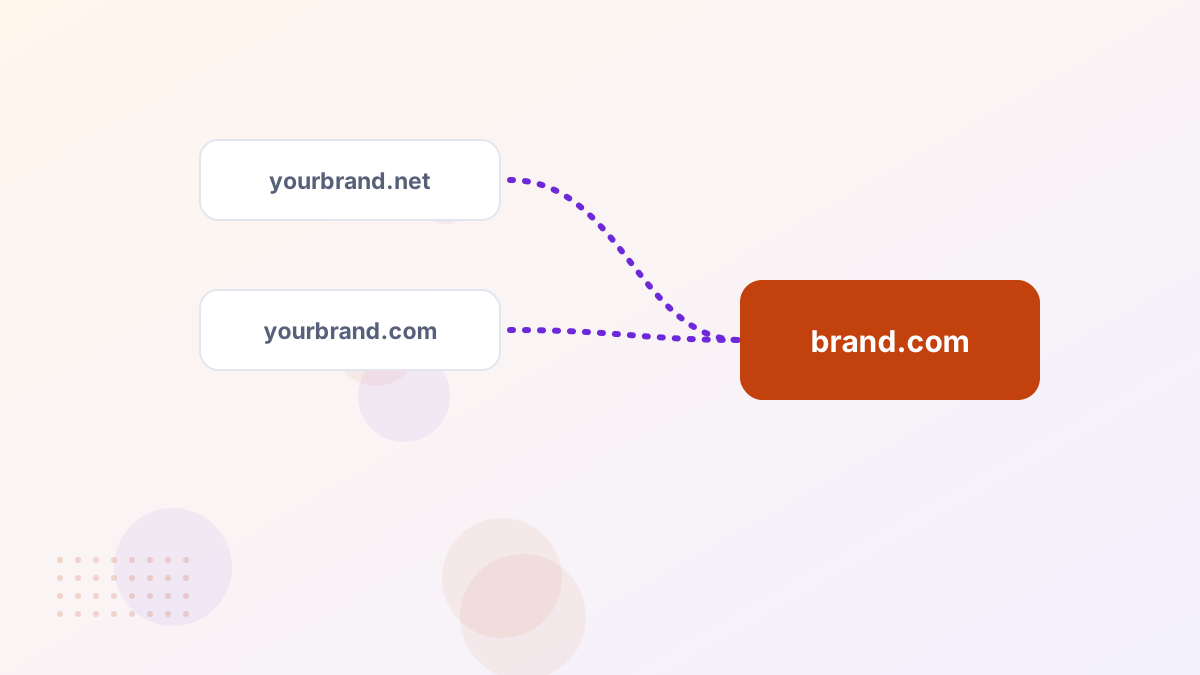
Domain forwarding, or redirecting, automatically sends visitors from one domain to another. Someone who types yourbrand.net lands on yourbrand.com. It's used for misspellings, alternative extensions, old domains after a rebrand and short campaign domains.
Permanent or Temporary: Which Redirect to Use
| Type | Meaning | Use it for |
|---|---|---|
| 301 | Moved permanently | Extra domains, old domains, rebrands |
| 302 | Found, temporarily elsewhere | Short-term campaigns or tests |
| 307 / 308 | Temporary / permanent, preserving request method | Technical cases, often handled by hosts |
For most domain forwarding, use a 301. It tells search engines the move is permanent and consolidates signals on your main domain.
Forwarding With or Without Masking
Some registrars offer "masked" forwarding, which shows your main site inside a frame while the browser still displays the extra domain. It sounds appealing but causes problems: search engines may not index the content properly, sharing links becomes confusing and some features break inside frames.
Use standard forwarding without masking. Let the browser show your main domain.
The HTTPS Problem
A common issue: https://yourbrand.net shows a security warning before redirecting. That happens when the forwarding service has no SSL certificate for the extra domain. Choose a registrar or DNS provider whose forwarding supports HTTPS, or point the extra domain to your host and let it handle the redirect with a valid certificate.
Path Forwarding
Good forwarding keeps the path, so yourbrand.net/pricing goes to yourbrand.com/pricing, not just the homepage. This matters most for old domains with existing links. Check whether your forwarding option preserves paths.
How to Set It Up
- Choose your main domainEverything else forwards to it.
- Open the extra domain's settingsAt your registrar or DNS provider.
- Add a 301 forwardTo your main domain, without masking.
- Enable HTTPS supportIf available.
- Test every versionhttp, https, www and non-www.
Forwarding and SEO

Forwarding extra domains doesn't hurt your main site, and permanent redirects help consolidate links pointing to old domains. What doesn't work is buying lots of unrelated domains and forwarding them to boost rankings. Search engines are good at ignoring that.
Forwarding Email
Domain forwarding handles websites, not email. If you want mail sent to an extra domain to reach you, set up email forwarding or add the domain as an alias in your email provider. See business email on your domain.
Common Mistakes
- Using masked forwarding for your main brand.
- Using 302 for permanent moves.
- Forgetting HTTPS on extra domains.
- Letting forwarded domains expire, breaking old links.
Forwarding Subdomains and Short Links
Forwarding isn't only for whole domains. You can forward subdomains, such as shop.yourbrand.com, to a store platform, or create short, memorable paths on a spare domain for print campaigns. A short domain that forwards to a specific landing page is easy to put on a flyer or say on a podcast.
Use permanent redirects for anything that will stay in place, and temporary ones only for genuinely short-lived campaigns.
Testing Your Redirects
Check each forwarded domain in four forms: with and without www, and with http and https. Each should land on your main domain in a single hop, with no security warning. Free online redirect checkers show the status code and every step, which makes problems like chains or 302s easy to spot.
Forwarding vs Hosting a Second Site
If an extra domain serves a genuinely different audience, such as a separate product or country, it may deserve its own site. If it's just a variation of your brand, forward it. Running near-identical sites on multiple domains splits your visitors and search signals and creates more work.
Domain Forwarding FAQs
Does forwarding a domain affect SEO?
A 301 forward is SEO-friendly and can consolidate value from old domains.
Is domain forwarding free?
Many registrars include it at no cost.
Can you forward a domain you're paying for on a plan?
Usually, if the marketplace lets you manage DNS during the plan.