On This Page
How Atom Payment Plans Work
Many domains on Atom can be bought on a payment plan, sometimes called lease-to-own. Instead of paying the full price upfront, you pay in monthly installments and own the domain once the last one clears.
You don't have to wait to use it. Atom lets you start using the domain after the first payment, so you can point it at your website and set up email while you pay. Atom holds the domain in its registrar until the plan is complete, which protects the seller while giving you working control.
A Smart Option When Cash Matters More Than Speed of Ownership
If you're launching a business and every dollar of runway counts, a plan lets you secure the right name now without draining your budget. If you can comfortably pay in full and the plan adds a meaningful surcharge, buying outright is usually cheaper and simpler.
Typical Plan Terms
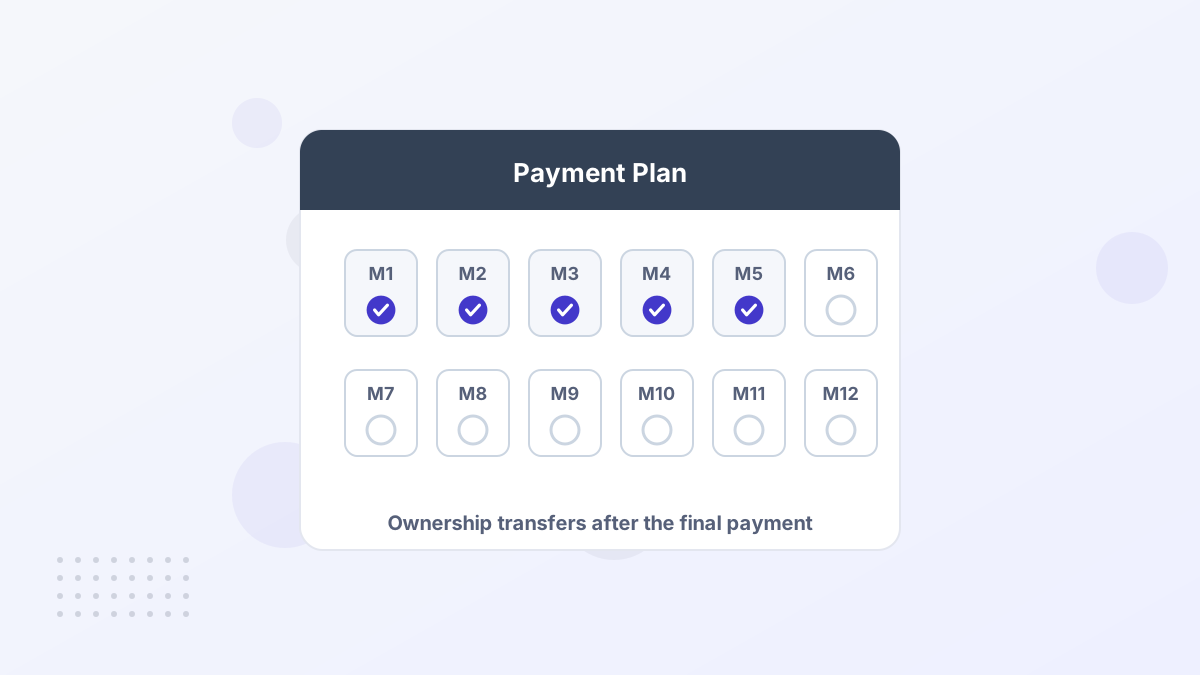
The seller of each domain decides whether to offer a plan and what the maximum length is. Atom says plans usually run 6 to 24 months, and some listings go up to 36 months.
| Term | How it works on Atom |
|---|---|
| Length | Usually 6–24 months, up to 36 on some listings; you can often choose a shorter term at checkout |
| Down payment | Sellers can require one on longer plans; the listing shows the amount |
| Using the domain | Allowed after the first payment, including DNS changes |
| Who holds the domain | Atom, until the plan is paid in full |
| Cancelling | Allowed at any time, but installments already paid aren't returned |
| After the last payment | Ownership transfers to you; take delivery promptly |
The listing page always shows the real monthly figure for that domain. Treat any general guidance, including ours, as a starting point and read the terms on the specific name.
What a Plan Really Costs
A payment plan doesn't usually reduce the price, and longer plans can cost more in total. Some plans include a surcharge on top of the base price, which grows with the length of the plan. The checkout shows exactly what you'll pay each month.
Here's a simple way to compare. Multiply the monthly payment by the number of months, add any down payment, and compare that total with the one-time price on the same listing.
Small Gap
One-time price $3,600; plan total $3,800 over 12 months. The extra $200 buys you a year of breathing room, which is often worth it for a new business.
Large Gap
One-time price $7,200; plan total $8,640 over 36 months. If you can pay sooner, a shorter plan or full payment saves real money.
These examples are illustrations with assumed figures, not Atom quotes. What they show is the trade-off: a short plan with a small surcharge is a cheap way to protect cash, while a long plan can add up.
Step by Step: Buying on a Plan
- Find a name with a planListings with payment plans are clearly labeled. Filter by budget to keep your shortlist realistic.
- Pick your termChoose the length that fits your cash flow, up to the seller's maximum. Check whether a down payment applies.
- Make the first paymentAtom verifies the payment and secures the domain in its registrar.
- Point the domain at your siteUpdate DNS so your website and email work while you pay. See our DNS setup guide.
- Pay monthly and take deliveryAfter the final installment, accept the domain into your own account and turn on auto-renew.
What Happens If You Cancel or Miss a Payment
You can cancel an Atom plan at any time, but the payments you've already made aren't refunded and the domain goes back to the seller. That's the main risk of buying on a plan, so be confident about the name before you start.
Missing a payment can lead to the same outcome. If your website and email run on the domain, losing it mid-plan would be painful, so treat the installment like rent: set up automatic payment and keep a card on file that won't expire mid-term.
Run a trademark search and check the domain's history first. Discovering a problem halfway through a 24-month plan is the costliest way to find it. Our trademark check guide shows how.
Paying Off Early
If your business grows faster than expected, you can usually pay off the remaining balance early and take full ownership sooner. Some sellers on Atom also offer a discount for early payoff, which can make it worth doing as soon as you can.
Paying off early matters for more than cost. Full ownership lets you move the domain to your preferred registrar, which some companies need for security or IT policy reasons.
Payment Plan or Pay in Full?
Choose a Plan If
- You're pre-revenue or early-stage and cash runway matters
- The plan surcharge is small for your chosen term
- You want the name secured today before someone else buys it
Pay in Full If
- You can afford it without straining your budget
- The plan adds a meaningful amount over the term
- You need full control and your own registrar from day one
Either way, the domain is the same. The plan simply changes when the money leaves your account. For a broader look at how lease-to-own works on other marketplaces, see our lease-to-own guide.
How Atom's Plans Compare With Other Marketplaces
Most premium marketplaces now offer some form of monthly payment, but the details differ in ways that affect your total cost and your risk.
| Marketplace | Plan length | Added cost | If you stop paying |
|---|---|---|---|
| Atom | Usually 6–24 months, up to 36 | Shown per listing; longer terms can carry a surcharge | Domain returns to the seller; paid installments kept |
| GoDaddy / Afternic | Up to the seller's maximum | No service fee up to 12 months, 10% for 13–24, 20% for 25–36 | Payments forfeited; domain returns to seller |
| BrandBucket | Monthly price shown per listing | Built into the monthly figure | Lease ends; you can cancel at any time |
| Brandpa | Instalments on many names | Varies by listing | Missed payments can return the domain to the seller |
Atom's strengths are the number of names that offer plans and the flexibility to pick a shorter term than the maximum. GoDaddy's published fee schedule is useful as a benchmark: if an Atom plan's total is below what GoDaddy would charge for a similar term, you're getting a fair deal.
Tips to Get the Most From a Payment Plan
- Pick the shortest term you can comfortably afford. Shorter plans usually cost less in total and get you to full ownership sooner.
- Automate the payments. A missed installment is the easiest way to lose a domain you've already paid for in part.
- Build on it right away. Point the domain at your site and email after the first payment so you get value from day one.
- Ask about early payoff. If the seller offers a discount for paying the rest early, a strong month can save you money.
- Keep records. Save the plan terms and receipts in case you need them for accounting or a dispute.
Handled like this, a payment plan is one of the most founder-friendly features in the premium domain market, and one of the reasons we rate Atom highly in our Atom review.
Atom Payment Plan FAQs
Do all Atom domains offer payment plans?
No. The seller decides. Many listings offer a plan, and those that do are clearly labeled on the domain's page.
Can you use the domain before it's paid off?
Yes. Atom lets you use the domain after the first payment, including pointing it at your website and email.
Is there interest on Atom payment plans?
Atom doesn't describe plans as loans, but longer plans can include a surcharge on top of the base price. The listing shows the exact monthly amount and total.
Can you get a refund if you cancel a plan?
No. You can cancel at any time, but installments already paid aren't returned and the domain goes back to the seller.