On This Page
How Long an Atom Transfer Takes
Atom says it initiates most transfers within one business day of purchase, and its marketplace page says most transfers finish within a few hours of payment verification. In its public replies to reviews, Atom describes the full purchase and transfer process as generally around three hours when everything lines up.
That "when everything lines up" matters. Payment verification can take up to a business day, and the seller still has to act. Most transfers are quick, but we'd plan for a few days of buffer before any launch that depends on the domain.
| Stage | Typical timing | What can slow it down |
|---|---|---|
| Payment verification | Minutes to one business day | Large amounts, new accounts, wire transfers |
| Transfer initiated | Usually within one business day | Seller response time |
| Domain in your Atom account or registrar push | Often same day | Registrar processing |
| Transfer to an outside registrar by auth code | Commonly up to five days for .com | Unapproved emails, locks, invalid codes |
The Three Ways a Domain Reaches You
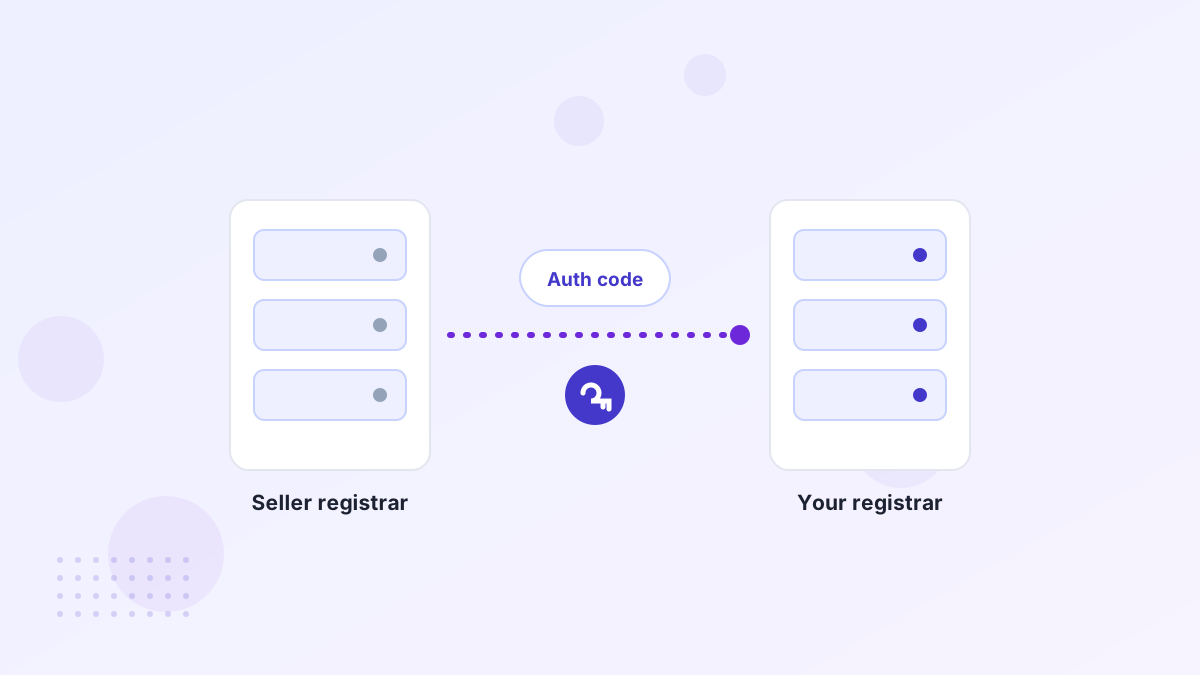
After payment, Atom picks the best transfer route based on the domain's current registrar and extension. There are three main options.
Into Your Atom Account
For most domains, Atom moves the name into your Atom account. It's usually the quickest route, and you can manage DNS there or move it later.
Registrar Push
If you have an account at the seller's registrar, the seller can push the domain to it. Pushes are near-instant once both sides confirm.
Auth Code Transfer
You receive an authorization code and request the transfer at your chosen registrar. For .com, this can take several days.
If you don't have strong feelings about your registrar, accepting the domain into your Atom account first is often the simplest choice. You can always transfer it out later, once any transfer lock has passed.
What Each Transfer Center Status Means
Atom tracks every purchase in its Domain Transfer Center. Status names may change over time, but the stages follow the same order.
- Domain purchasedYou've paid, and Atom is verifying the payment. This can take up to a business day.
- Buyer instructions receivedYou've told Atom where the domain should go. The seller can now push it or release the auth code.
- Transfer in progressThe domain is moving between accounts or registrars. Watch your email for approval requests.
- Transfer completeThe domain is in your account. Check that you can edit DNS and turn on auto-renew.
On a payment plan, the order is a little different. After your first payment, the seller pushes the domain to Atom, which holds it while you pay. You can update DNS during the plan, and ownership transfers after the final installment.
How to Speed Up Your Transfer
Most delays are avoidable. These small steps make a real difference.
- Give transfer instructions straight away. The seller can't act until Atom knows where the domain should go.
- Have your registrar account ready, with contact details verified, if you're transferring out.
- Watch your inbox and spam folder for approval emails from your registrar.
- Keep the domain at Atom if there's a lock. If a 60-day lock applies, accepting the domain into your Atom account avoids waiting.
- Use Atom support in the Transfer Center if nothing changes after a couple of business days.
Common Transfer Problems and Fixes
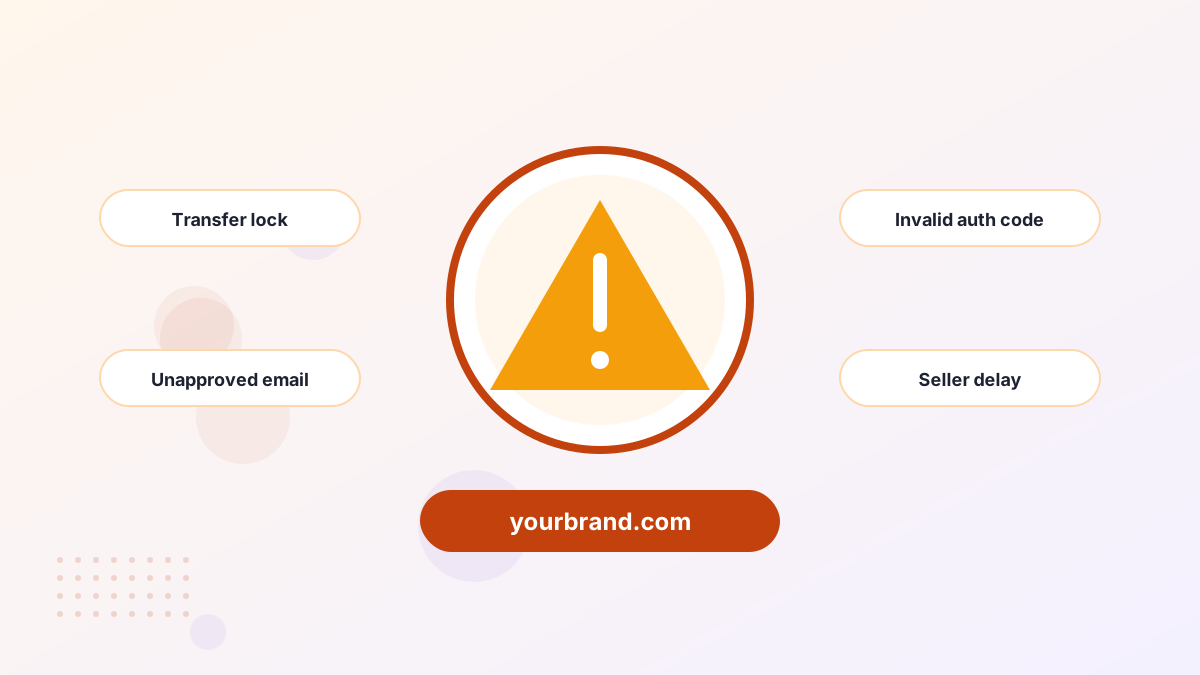
| Problem | Likely cause | Fix |
|---|---|---|
| Transfer rejected | Domain still locked at the seller's registrar | Ask Atom to have the seller unlock it, then retry |
| Auth code doesn't work | Expired, mistyped or regenerated code | Request a fresh code through the Transfer Center |
| "Cannot transfer for 60 days" | Recent registration or transfer | Keep the domain in your Atom account until the lock ends |
| Nothing happening | Seller hasn't acted yet | Contact Atom support from the Transfer Center |
The 60-day lock catches a lot of buyers. Registrars commonly block transfers to a new registrar for 60 days after a domain is registered or moved, but a push within the same registrar is usually still possible. Our transfer lock guide explains why.
What If the Transfer Fails Completely?
This is rare, but it's where Atom's Purchase Protection matters most. If the domain can't be transferred to you, you get a 100% refund. Your payment is held until the transfer completes, so the seller isn't paid for a domain you never receive.
That protection is one of the strongest reasons to buy through a marketplace rather than paying a private seller directly. Read more about what Atom does and doesn't refund in our refund policy guide.
Keep the Domain at Atom or Move It Out?
Once the domain is yours, you can leave it in your Atom account or move it to the registrar you use for everything else. Neither is wrong; it comes down to how you like to manage your domains.
Keep It at Atom If
- You want the fastest handover with the fewest steps
- A 60-day lock would block an outside transfer anyway
- This is your only domain and you don't mind a separate login
Move It Out If
- Your company keeps every domain at one registrar for security
- Your IT team needs specific DNS or access controls
- You prefer a single bill for all renewals
If you do move it, wait until any lock period has passed, then follow our domain transfer guide. A transfer between registrars usually adds a year of registration, so the cost is close to a normal renewal.
After the Transfer: First Steps
- Turn on auto-renew and check the expiry date. The purchase price is one-time, but renewal is yearly.
- Enable registrar lock and two-factor login to protect the domain from hijacking.
- Update DNS for your website and email. See connecting your domain to a website.
- Save your receipts and transfer confirmation for your records.
Our after-buying checklist covers everything in order.
Atom Transfer FAQs
Can you use the domain before the transfer finishes?
On a one-time purchase, you'll have DNS control once the domain is in your account. On a payment plan, you can update DNS after the first payment while Atom holds the domain.
Do you have to keep the domain at Atom?
No. You can move it to another registrar, either at purchase with an auth code or later, once any transfer lock has passed.
Does a transfer add a year to the registration?
A transfer between registrars for .com usually adds a year of registration, paid at the receiving registrar. A push within the same registrar usually doesn't.
Will your website go down during a transfer?
Not if DNS settings carry over. Before moving a domain that's already live, note your DNS records so you can recreate them at the new registrar if needed.
Who do you contact if a transfer stalls?
Atom's support team, through the Domain Transfer Center for your purchase. They coordinate with the seller and registrar.