On This Page
What an Auth Code Is
An authorization code, also called an EPP code, transfer key or transfer secret, is a unique code generated by a domain's current registrar. When you move a domain to a new registrar, you enter this code to prove the transfer is authorized by the owner.
Think of it as a password for the domain itself. Anyone with the code and an unlocked domain can start a transfer, which is why registrars only release it to the account holder and why you should treat it as sensitive.
When You Need One
- Moving your own domain to a different registrar.
- Buying a domain where the seller transfers it to your registrar rather than pushing it.
- Consolidating domains at one registrar for easier management.
You don't need an auth code for a push, which moves a domain between two accounts at the same registrar. That's why pushes are often the quickest way to deliver a domain after a sale.
How to Get an Auth Code
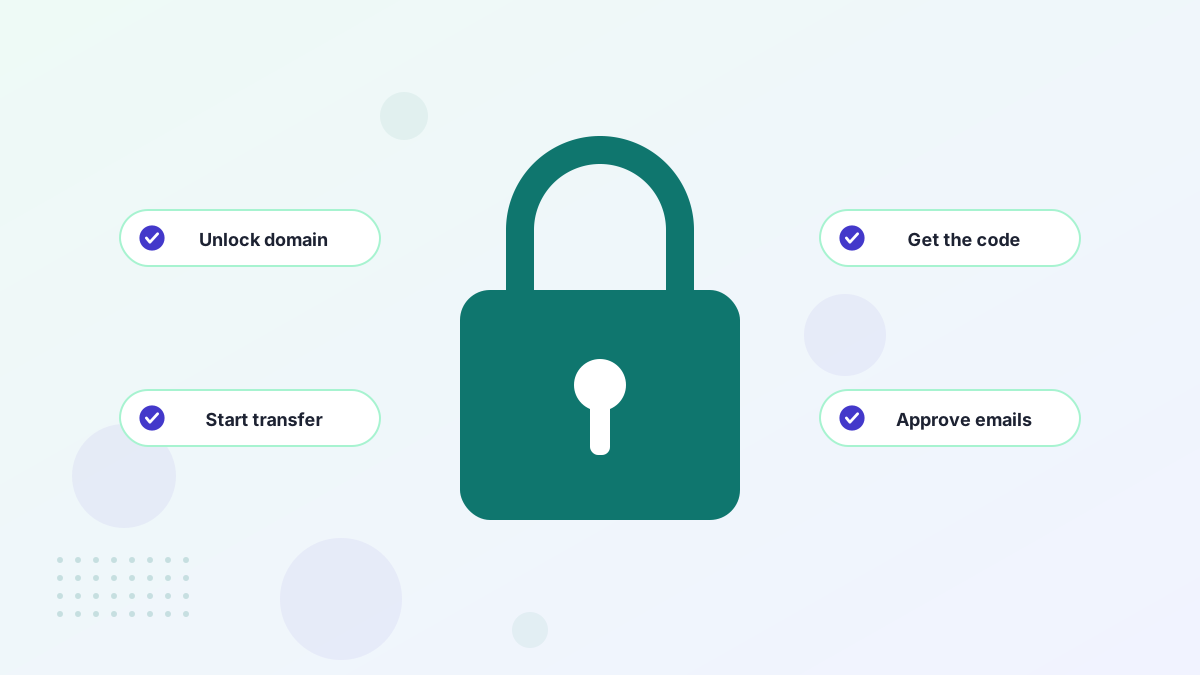
- Log in to the current registrarOpen the domain's settings.
- Unlock the domainTurn off the registrar or transfer lock.
- Request the codeLook for options like "Transfer out", "Authorization code" or "EPP code". Some registrars show it instantly; others email it.
- Check your contact emailMake sure the registrant email is current so you receive it.
If you're buying a domain, the seller or marketplace provides the code. On Atom, for example, an auth code is one of the delivery options when the domain can't simply be moved into your Atom account.
How to Use It
At your new registrar, start a domain transfer, enter the domain name and paste the code exactly as given. Codes are often case-sensitive and may include symbols, so copy and paste rather than retyping. Pay the transfer fee, which usually adds a year to the registration, and approve any confirmation emails.
For .com and most generic extensions, the transfer usually completes within about five days. See the full domain transfer process.
Fixing an Invalid Auth Code
| Cause | Fix |
|---|---|
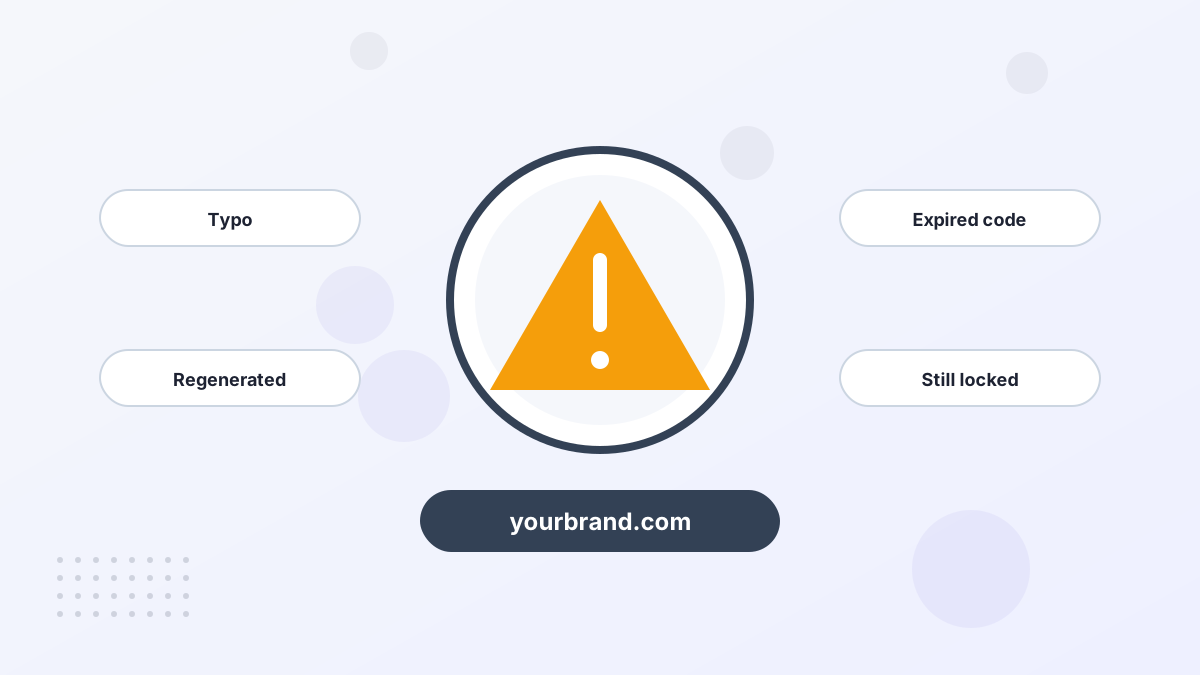
| Typo or extra spaces | Copy and paste the exact code |
| Code was regenerated | Request the latest code; older ones stop working |
| Code expired | Some extensions expire codes after a set time; request a new one |
| Domain still locked | Unlock it at the current registrar |
| Transfer restriction | A lock period may apply; see transfer locks |
Auth Codes When You Buy a Domain
If you're buying from a private seller, agree in advance who provides the code and when. With escrow, the usual order is: you fund escrow, the seller unlocks the domain and sends the code, you start the transfer, and escrow releases payment once the domain arrives in your account.
Don't release funds just because you've received a code. A code can be wrong, regenerated or blocked by a lock. Payment should follow a completed transfer, not a promise of one. Our domain escrow guide explains the full sequence.
Auth Codes for Country-Code Domains
Most generic extensions use auth codes in the same way. Country-code domains vary more. Some registries issue codes that expire after a set number of days, some send the code directly to the registrant rather than through the registrar, and a few use a different process altogether, such as a registrar tag change. If your domain is a country-code extension, check the registry's transfer rules before you start.
Keeping Your Code Safe
- Only share it with the person or registrar receiving the domain.
- Never send it in response to unsolicited emails asking you to "verify" your domain.
- Re-lock the domain if a transfer is cancelled.
- Use two-factor login on your registrar account so nobody else can request a code.
Our guide to protecting your domain covers account security in more depth.
Auth Code FAQs
Is an auth code the same as an EPP code?
Yes. Auth code, EPP code, transfer key and transfer secret all describe the same thing.
Do auth codes expire?
Some do, depending on the registry and registrar. If a code doesn't work, request a fresh one.
Do you need an auth code for every transfer?
For moves between registrars, generally yes. A push within the same registrar doesn't need one.