On This Page
- The Process at a Glance
- Step 1: Set a Realistic Budget
- Step 2: Build a Shortlist
- Step 3: Check Every Name on Your Shortlist
- Step 4: Decide Where to Buy
- Step 5: Agree on the Price
- Step 6: Pay Through a Protected Channel
- Step 7: Complete the Transfer
- Step 8: Secure and Set Up Your Domain
- Buying for a Business: Paperwork and Ownership
- A Realistic Timeline
- Mistakes to Avoid
- Buying a Premium Domain FAQs
The Process at a Glance
- Set your budgetDecide on a target, a maximum and whether you want a payment plan.
- Build a shortlistGather five to ten names you'd be happy with.
- Check each namePronunciation, trademarks, history and renewal costs.
- Pick where to buyA curated marketplace, an open network or a broker.
- Agree the pricePay the listing price, make an offer or negotiate.
- Pay through a protected channelMarketplace checkout or recognized escrow.
- Complete the transferAccept the domain into your account.
- Secure and set upAuto-renew, registrar lock, DNS and email.
The rest of this guide walks through each step, with the decisions and checks that matter at each one.
Step 1: Set a Realistic Budget
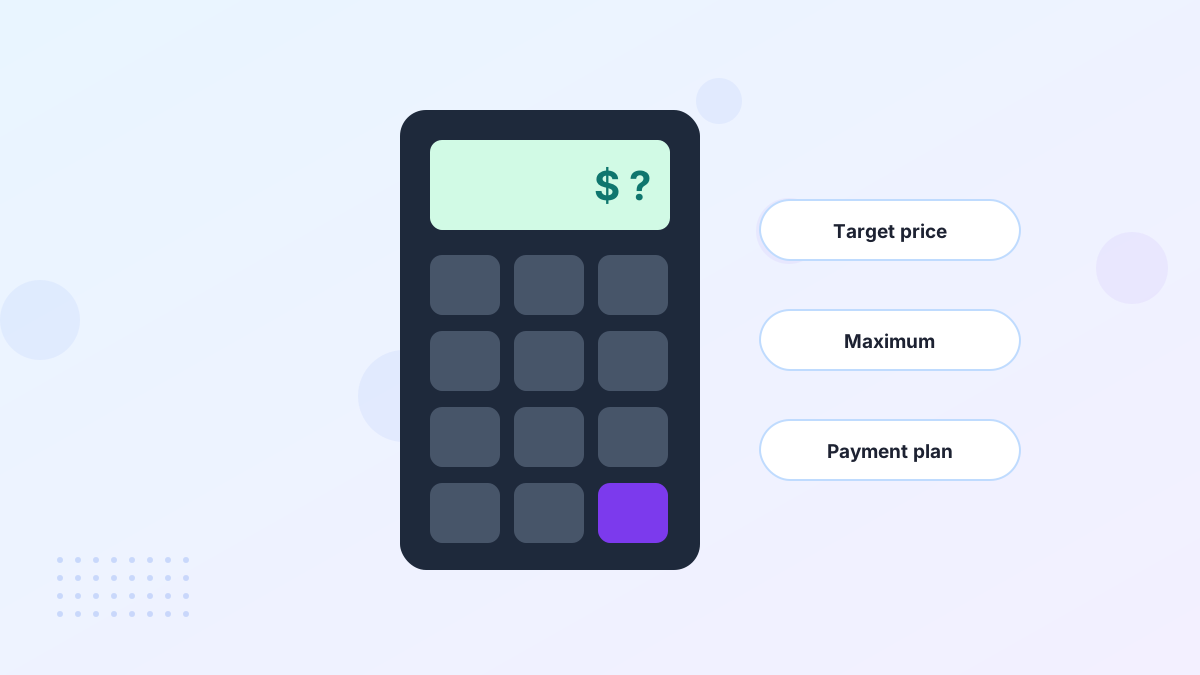
Most brand-ready premium domains cost between about $1,000 and $10,000, with short and one-word names costing much more. Decide your target and your ceiling before you start browsing, so you don't anchor on a name you can't afford.
Think in cost per year. A $4,000 name used for five years is about $800 a year, plus standard renewal. If spreading the cost helps, look for listings with payment plans; Atom, for example, offers plans on many names, usually over 6 to 24 months. Our premium domain prices guide shows typical ranges.
Step 2: Build a Shortlist
Aim for five to ten names across a couple of styles, such as brandable compounds and coined words. A mixed shortlist forces a real decision about what kind of brand you want, rather than choosing between near-identical options.
Curated marketplaces make this step faster. You can filter by industry, style, length and budget, and save favorites as you go. If you're starting from a blank page, a name generator or a naming contest can help. See how to choose a domain name.
Step 3: Check Every Name on Your Shortlist
This is where most expensive mistakes are prevented. Run each finalist through these checks before you spend anything.
| Check | What to look for | Guide |
|---|---|---|
| Radio test | Can people spell it after hearing it once? | Testing a name |
| Trademarks | Conflicting marks in your industry and markets | Trademark checks |
| History | Past spam, penalties or a previous brand | Domain history |
| Renewal cost | Registry premium pricing on some extensions | Renewal fees |
| Social handles | Whether matching handles are available | Social handles |
Step 4: Decide Where to Buy
Where you buy depends on whether the name is listed and how much help you want.
Curated Marketplace
Listed prices, payment plans and buyer protection. Best when you're choosing a name. Atom is our default.
Open Network
Afternic and Sedo carry huge open inventories. Best when you know the exact domain.
Broker
A professional approaches the owner for you. Best for high-value names that aren't for sale.
Our roundup of the best premium domain marketplaces compares the options.
Step 5: Agree on the Price
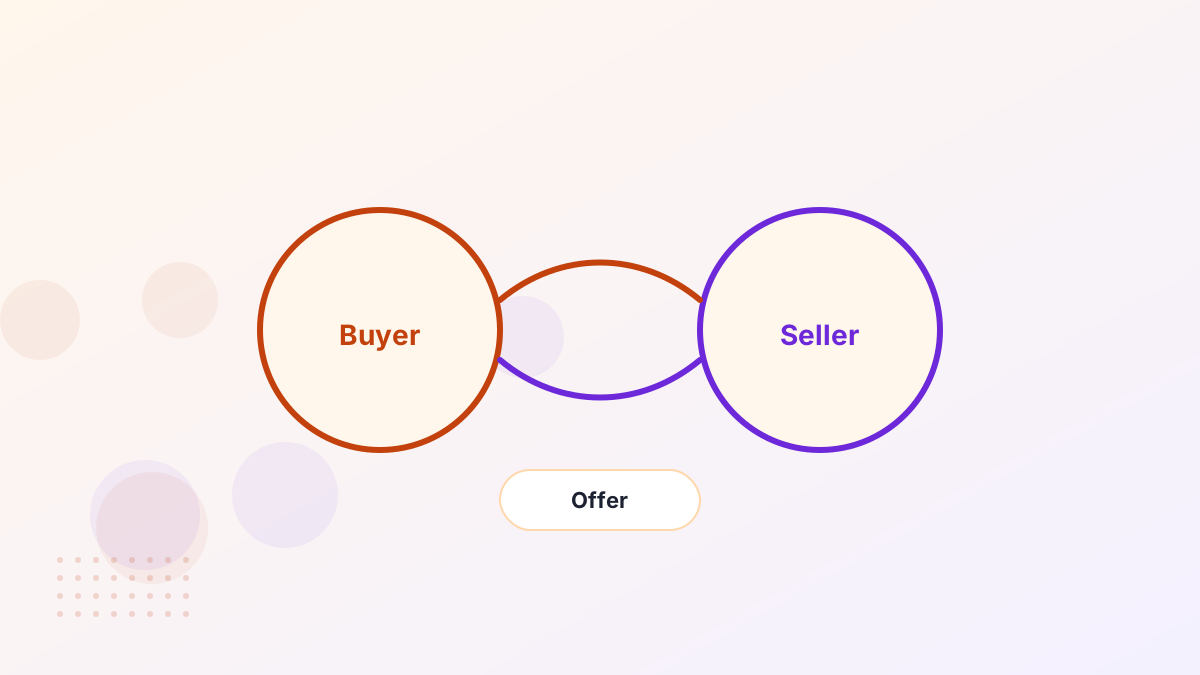
On a buy-now listing, the price is the price, and you can usually check out immediately. On listings that accept offers, research comparable names first, then make a reasonable offer with a little room to move.
For unlisted names, let the owner name a price first where you can, and keep your interest low-key. Our guides to negotiating a domain price and domain valuation explain how to land a fair deal.
Step 6: Pay Through a Protected Channel
Never send money directly to someone you met by email. Pay through the marketplace's checkout, which holds your payment until the domain transfers, or through a recognized escrow service for private deals.
For larger amounts, wire transfer or Escrow.com often works better than a card, because card limits and fraud checks can delay five-figure payments. Our domain escrow guide explains how escrow protects both sides.
Step 7: Complete the Transfer
After payment, the domain moves to you in one of three ways: into your account at the marketplace, by a push between accounts at the same registrar, or by an authorization code transfer to your chosen registrar.
Marketplaces guide this for you. On Atom, most transfers are initiated within one business day. Leave a few days of buffer before any launch, and watch your email for approval requests. See the domain transfer process for details.
Step 8: Secure and Set Up Your Domain
- Turn on auto-renew with a card that won't expire soon.
- Enable registrar lock and two-factor login to prevent hijacking.
- Confirm you're the registrant, not a developer or agency.
- Point DNS to your website and set up business email.
Our after-buying checklist covers everything in order.
Buying for a Business: Paperwork and Ownership
If the domain is for a company, register it to the company rather than to an individual employee or contractor. That keeps the asset with the business if people leave, and avoids awkward disputes later.
Keep the purchase receipt, any agreement and the transfer confirmation in your company records. Your accountant may also want to know how the purchase should be treated; see domain purchase tax for the general picture. If you're an agency buying for a client, our guide to buying domains for clients explains how to keep ownership clean.
A Realistic Timeline
| Stage | Listed marketplace name | Private or brokered deal |
|---|---|---|
| Shortlisting and checks | A few days | A few days |
| Agreeing the price | Instant at buy-now prices | Days to weeks |
| Payment and verification | Minutes to a business day | One to several days via escrow |
| Transfer | Often hours to a few days | A few days, longer across registrars |
If you have a launch date, work backwards and leave at least a week for a listed name and several weeks for a negotiated one.
Mistakes to Avoid
Falling for One Name
Keep alternatives so you can walk away from a bad price.
Skipping Checks
Trademark or history problems are costly to discover after purchase.
Paying Off-Platform
Unprotected payments are the main route to domain fraud.
Ignoring Renewals
A registry premium can cost far more every year than you expect.
Buying a Premium Domain FAQs
How long does it take to buy a premium domain?
A listed name on a marketplace can be in your account within hours to a few days. Negotiated or brokered deals can take weeks.
Can you pay for a premium domain monthly?
Yes. Many marketplaces offer payment plans. You use the domain right away and own it after the final payment.
Do you own a premium domain outright after buying?
After a full purchase and transfer, yes, you're the registrant. You still renew it yearly at your registrar.