On This Page
- The Golden Rule: The Client Owns the Domain
- Recommended Setup
- Buying a Premium Domain for a Client
- Agreements and Expectations
- Renewals and Reminders
- Handing Over at the End of an Engagement
- When You've Inherited a Mess
- A Worked Example
- Why Disputes Happen
- Advising Clients on Premium Names
- Security for Client Domains
- Client Domain FAQs
The Golden Rule: The Client Owns the Domain
The domain should be registered in the client's name, in an account the client controls. You can help choose, buy and manage it, but ownership should sit with the business that will build its brand on it.
When an agency or freelancer registers a client's domain in their own name, problems tend to follow. If the relationship ends, the client may struggle to get the domain back. If the agency closes or the freelancer disappears, renewals can lapse.
Recommended Setup
- Create the account in the client's nameUsing a company email the client controls.
- Use the client's payment methodOr invoice the client and transfer ownership promptly.
- Add yourself as a delegateMany registrars support delegated or team access.
- Enable two-factor loginWith recovery options the client controls.
- Document everythingRegistrar, renewal date, DNS settings and who has access.
Buying a Premium Domain for a Client
When a client wants a premium name, the cleanest approach is for the client to buy it directly from the marketplace, with you advising. If you buy on their behalf, make sure the domain is transferred into the client's account as soon as the purchase completes, and keep records of the payment and transfer.
Payment plans complicate this a little, because the marketplace holds the domain until the final payment. Set up the plan in the client's own account so ownership passes straight to them. See Atom payment plans.
Agreements and Expectations
Put domain ownership in your client agreement. State that the client owns all domains bought for their business, who pays renewals, and what happens to access when the engagement ends. This protects both sides and avoids awkward conversations later.
Renewals and Reminders
| Task | Recommended owner |
|---|---|
| Domain ownership | Client |
| Renewal payments | Client, via auto-renew |
| DNS changes | Agency, with client approval |
| Security settings | Client, with agency guidance |
| Renewal monitoring | Both |
See domain renewal and expiration.
Handing Over at the End of an Engagement
- Remove your delegate access once the client confirms they're set up.
- Provide a DNS record list and any service logins.
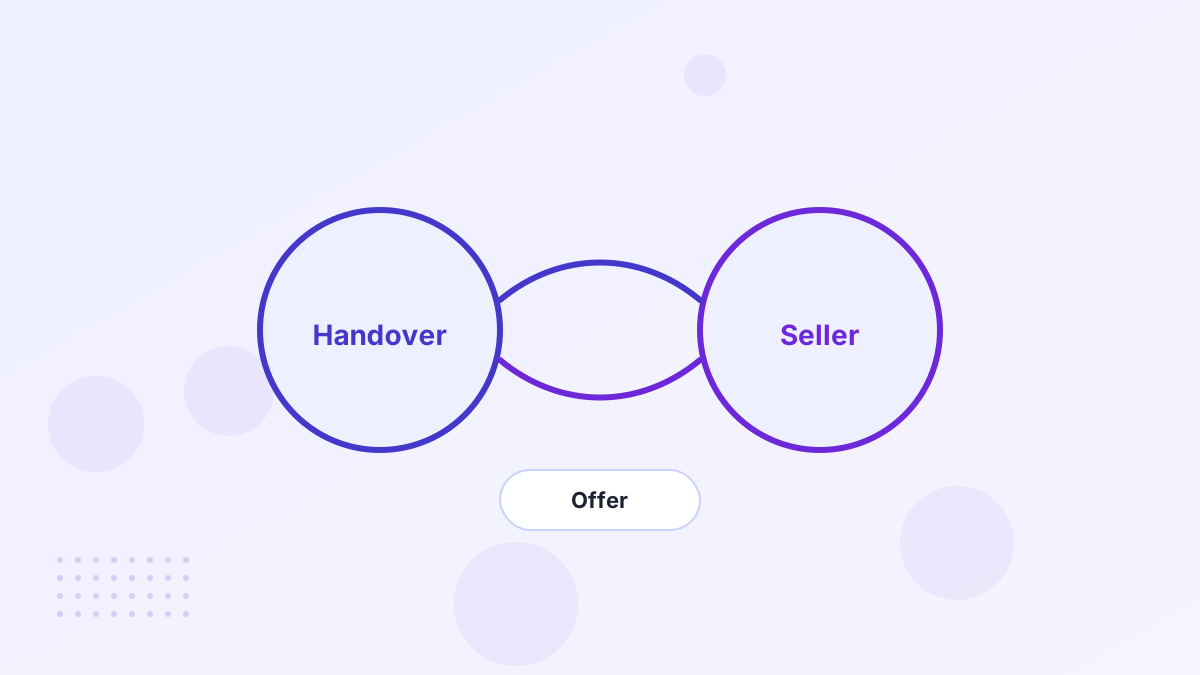
- Transfer any domains you still hold to the client's account by push or auth code.
- Confirm renewal settings and payment details are the client's.
See the domain transfer process.
When You've Inherited a Mess
New agencies often find client domains scattered across old accounts. Start by identifying where each domain is registered, who the registrant is and when it expires. Work with the client to recover access through the registrar's ownership verification process if needed. Prioritize domains that are close to expiring.
A Worked Example
Imagine a small agency helping a bakery rebrand. The owner picks a premium .com on a 12-month plan. The agency walks her through creating the marketplace account with her business email and card, then helps point DNS to the new site. The agreement states she owns the domain, and the agency's access is noted as delegated. Two years later, when the bakery changes agencies, the handover takes minutes.
Why Disputes Happen
Most client domain disputes aren't malicious. A freelancer registers a domain quickly to get a project moving, using their own account and card. Years later, the relationship ends or the freelancer becomes hard to reach, and nobody remembers where the domain lives. When renewal notices go to the wrong person, the domain can even expire.
Setting things up properly from the start removes almost all of this risk. It also makes your agency look professional, which clients notice.
Advising Clients on Premium Names
Clients often ask whether a premium domain is worth it. Help them compare the price with their marketing budget, customer value and the cost of a rebrand later. Show them a few options at different price points, explain payment plans and run basic trademark and history checks on their favorites. That advice is valuable on its own, and it leads to better decisions.
Security for Client Domains
- Two-factor login on every registrar account.
- Registrar lock switched on except during planned transfers.
- Shared password manager rather than passwords in email.
- Access reviews when staff join or leave.
Client Domain FAQs
Should an agency own client domains?
No. Domains should be registered to the client, with the agency given delegated access if needed.
What if a former agency won't release a domain?
Ask in writing first. If that fails, contact the registrar and consider legal advice, especially if you can prove the domain was bought for your business.
Can you resell domains to clients?
Some agencies do, but it's cleaner to have clients buy directly and charge for your advice.